


How to spot AI-generated images and deepfakes
How to spot AI-generated images and deepfakes: check context, run a reverse image search, look for Content Credentials and watermarks, and know detector limits.
AI & Software · Explainer
What is an NPU? A plain-English guide to the AI engine inside Intel, AMD, Qualcomm and Apple chips, what TOPS means and whether you need a Copilot+ PC.
Key takeaways
An NPU (neural processing unit) is the part of a modern laptop processor built specifically for AI tasks, such as blurring your background on a video call, generating live captions or cutting out background noise. It handles that work using far less power than the CPU or graphics chip. A strong NPU matters mainly if you want Windows’ Copilot+ features or better battery life during AI-heavy tasks; for cloud chatbots, it barely matters.
AI features run on neural networks, and neural networks boil down to enormous numbers of simple multiply-and-add calculations. An NPU is circuitry designed to do exactly that math, many operations at once, at low power. Microsoft’s Copilot+ PCs developer guide describes it as processing large amounts of data in parallel while using energy on AI tasks more efficiently than a CPU or GPU, which helps battery life.
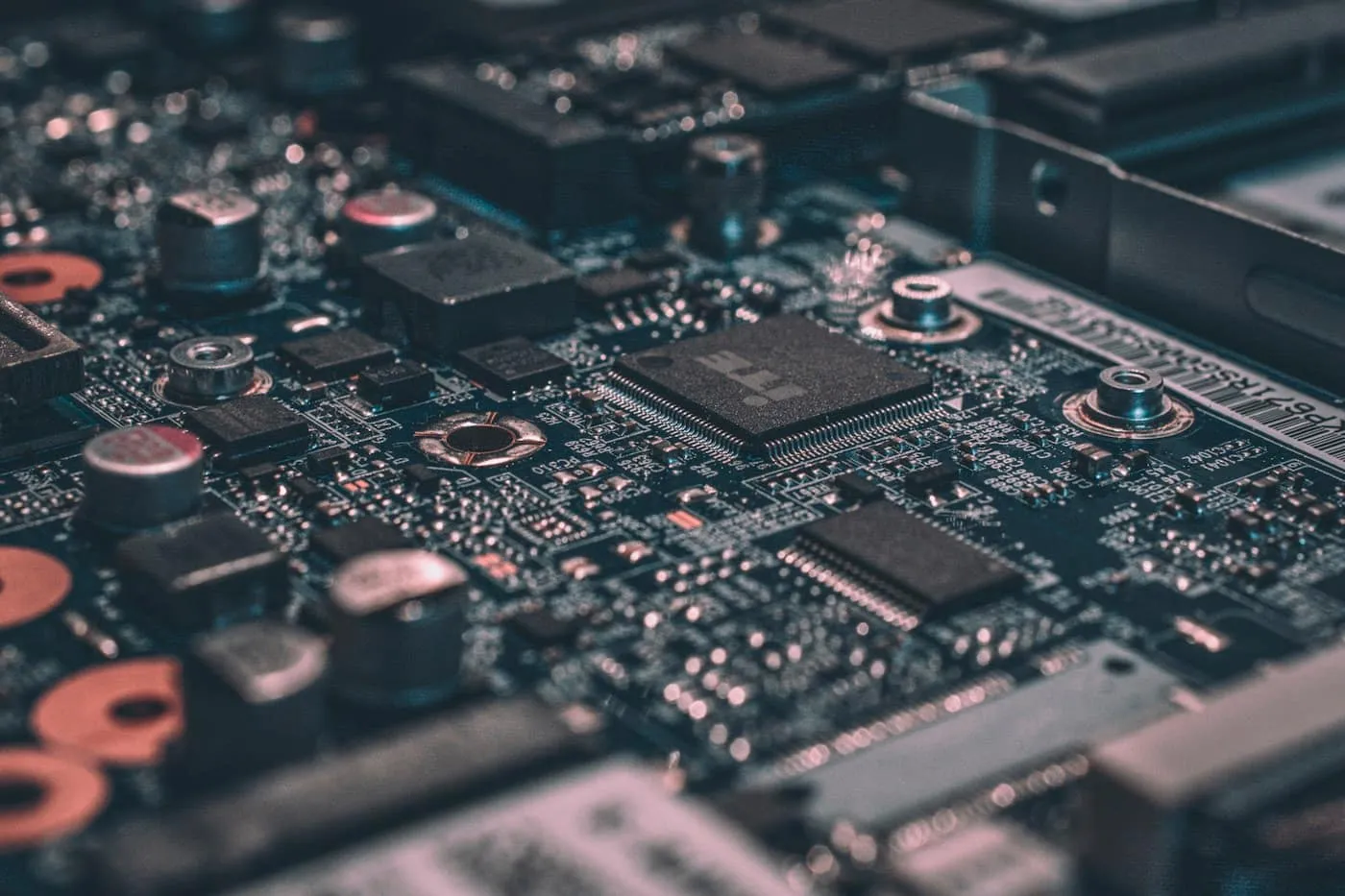
In almost every laptop, the NPU isn’t a separate chip or an add-on card. It is a block built into the main processor, next to the CPU cores and the graphics. You’ll find one in Intel Core Ultra, AMD Ryzen AI and Qualcomm Snapdragon X chips, and Apple calls its version the Neural Engine in M-series chips.
The three engines split the work:
| Part | Best at | Typical AI role | Power draw for AI |
|---|---|---|---|
| CPU | Running Windows, macOS and everyday apps | Small or occasional AI jobs, and preparing data | Moderate, but inefficient for sustained AI |
| GPU | Graphics, games and heavy parallel math | Big bursts, such as image generation and large local models | High |
| NPU | Repetitive AI math at low precision | Long-running features such as video effects, captions and on-device search | Low |
According to Microsoft, the NPU works alongside the CPU and GPU, and Windows 11 assigns each task to the most appropriate one. NPUs are fastest with lower-precision numbers, such as 8-bit integers (INT8), so AI models are usually converted, or “quantized,” before they run there.
Here is how the main laptop chip families compare, using each maker’s own peak rating:
| Chip family | AI engine | Maker’s NPU rating |
|---|---|---|
| Intel Core Ultra 200V (Lunar Lake) | Intel NPU | Up to 48 TOPS |
| Intel Core Ultra Series 3 (Panther Lake) | Intel NPU | Up to 50 TOPS |
| Intel Core Ultra 200H and 200HX | Older Intel NPU design | About 13 TOPS |
| AMD Ryzen AI 300 series | XDNA 2 NPU | 50 to 55 TOPS |
| AMD Ryzen AI 400 series | XDNA 2 NPU | Up to 60 TOPS |
| Qualcomm Snapdragon X series (first generation) | Hexagon NPU | 45 TOPS |
| Qualcomm Snapdragon X2 Elite | Hexagon NPU | 80 to 85 TOPS |
| Apple M4 | Neural Engine | 38 trillion operations per second |
| Apple M5 | 16-core Neural Engine, plus Neural Accelerators in the GPU | No TOPS figure published |
A few notes on those numbers. AMD says every Ryzen AI 400 chip exceeds the Copilot+ PC requirements. Microsoft puts the first Snapdragon X series at 45 TOPS, and Qualcomm’s Snapdragon X2 Elite product brief lists 80 or 85 TOPS depending on the model. Apple rated the M4 Neural Engine at 38 trillion operations per second, but for M5 it highlights a faster Neural Engine and a Neural Accelerator in each GPU core instead of a TOPS number. Makers don’t always measure the same way, so treat cross-brand comparisons with caution.
TOPS stands for trillions of operations per second. Qualcomm’s guide to TOPS explains that it is calculated from the number of multiply-accumulate units in the NPU and their clock speed, and that the industry usually quotes it at INT8 precision. In other words, it is a theoretical peak, not a measured result.
Keep four caveats in mind:
A useful rule: treat 40 TOPS as a pass-or-fail line for Copilot+ features. Above that line, a higher rating gives headroom for future software, but it’s not a reliable guide to how fast a particular app will run.
Recall is opt-in, and Microsoft says its snapshots are stored and analyzed locally on the PC rather than sent to Microsoft.
Apple says the Neural Engine accelerates on-device AI tasks and the generative models behind Apple Intelligence, working alongside the CPU and GPU. Apple Intelligence runs on Macs with M1 or later, plus the A18 Pro MacBook Neo.
On Windows 11, open Task Manager and go to the Performance tab. If your laptop has a supported NPU, it shows up next to the CPU, memory and GPU, along with how busy it is.
Microsoft sets these minimum specs for a Copilot+ PC:
Recall asks for a bit more. Microsoft’s Recall requirements add at least 8 logical processors, 50 GB of free space to turn it on, Device Encryption or BitLocker, and Windows Hello Enhanced Sign-in Security with a fingerprint or face sign-in.
The easiest check is the Copilot+ PC label on the box or product page. The phrase “AI PC” on its own is not a guarantee: first-generation Core Ultra laptops and those with Core Ultra 200H or 200HX chips, for example, have NPUs well under 40 TOPS.
Prioritize a Copilot+ PC if you:
Don’t pay extra for NPU speed if you:
A quick checklist before you buy:
An NPU is the power-efficient AI engine built into modern laptop processors. It runs video-call effects, live captions and Copilot+ features without draining the battery, but it doesn’t speed up cloud chatbots or games. If you want Windows’ on-device AI features, buy a Copilot+ PC; otherwise, treat the NPU as a bonus and spend on RAM, storage and a good screen. Our guide on how to choose a laptop covers those specs, the tech glossary defines the jargon, and you can find more coverage in AI and across all our guides.
You can find more plain-English AI explainers on RedAndWhiteMagz.com.
You need one rated at 40 TOPS or more if you want Copilot+ PC features such as Recall, Click to Do and live caption translation. For browsing, office work, streaming and cloud chatbots, the NPU makes little difference. Many current midrange chips include a capable NPU anyway, so you rarely need to pay extra for one.
The CPU runs general tasks and the operating system, and the GPU handles graphics and heavy parallel math. The NPU is specialized for the repetitive math behind AI models and does it using much less power. On modern laptops all three sit inside the same processor, and Windows sends each task to the most suitable one.
On Windows 11, open Task Manager and select the Performance tab. If your laptop has a supported NPU, it appears alongside the CPU, memory and GPU with its current usage. You can also look up your processor model on the chipmaker's website.
Yes. Neural Engine is Apple's name for the same kind of AI engine, and it is built into every M-series chip. Macs aren't Copilot+ PCs, because that is a Windows label, but Apple Intelligence runs on Macs with M1 or later and on the A18 Pro MacBook Neo.
First published . Spotted an error? Read our editorial policy and tell us.
How to spot AI-generated images and deepfakes: check context, run a reverse image search, look for Content Credentials and watermarks, and know detector limits.
The AI chatbot privacy settings that matter in ChatGPT, Gemini, Copilot and Claude: training opt-outs, temporary chats, memory and deleting your history.

Learn how to write better AI prompts for ChatGPT, Gemini, Copilot and Claude with a simple formula, before-and-after examples and tips for checking answers.
Contact RedAndWhiteMagz.com
Spotted a new gadget, a scam making the rounds or a mistake in one of our guides? Tell us. We read every message and reply as quickly as we can.
