

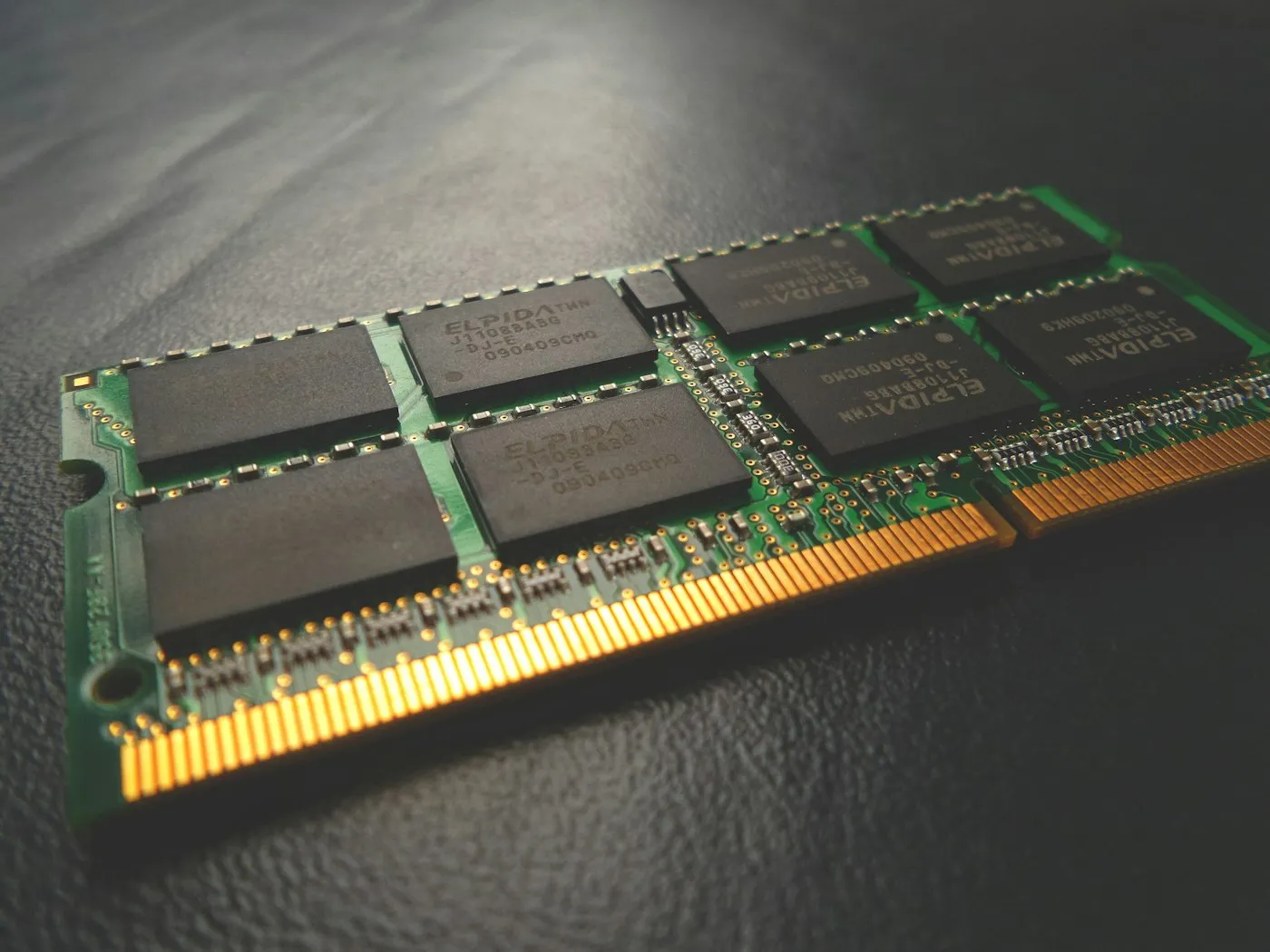
How much RAM do you need in 2026?
How much RAM do you need in 2026? Why 16 GB is the new baseline for laptops and PCs, when 8 GB is still enough, and who should pay for 32 GB or more.
Topic hub
Clear answers on processors, memory, storage and screens, so you buy the computer that fits your work, studies or play rather than the one with the longest spec list.
About this hub
Laptops & PCs is where we cover the computers you rely on every day: laptops for school, work and travel, desktops for home offices and power users, and the monitors that sit on your desk. We explain processors from Intel, AMD, Qualcomm and Apple, how much memory and storage different jobs need, what separates a good display from a merely bright one, and how Windows, macOS and ChromeOS differ once the novelty wears off.
Good laptop advice depends on who is asking. A student writing essays and a video editor exporting 4K footage need very different machines, and a spec sheet rarely makes that obvious. At RedAndWhiteMagz.com, we translate model numbers into plain terms, flag the parts that cannot be upgraded later, and call out common traps such as a dim screen on a bargain laptop or too little memory on a model that looks like a deal. The goal is a computer that stays quick for years without charging you for performance you will never use.
Start by deciding what you will do most on the computer, then read the subtopics in order: processor, memory and storage, display and operating system. The FAQs settle how much RAM you need, whether you can add more later, and how a Chromebook differs from a Windows laptop. Where we can, we give spec targets rather than single-model picks, so the advice stays useful as new laptops arrive. The same principles apply to desktops, where you also get to choose the monitor separately.
How to match a computer to your budget and workload, from affordable laptops for browsing and homework to thin models for travel and powerful machines for creative work.
What Intel Core Ultra, AMD Ryzen, Snapdragon X and Apple M-series names actually tell you, and why a chip's generation often matters as much as its tier.
How much RAM and SSD space you really need, why 16 GB of RAM has become the sensible default, and which laptops still let you upgrade later.
Brightness, resolution, refresh rate and panel types such as IPS, OLED and mini-LED, and which of them make a difference over a full working day.
How the three main desktop platforms compare on apps, security updates and support lifespans, including what Google's plan to combine ChromeOS with Android means for Chromebook owners.
Towers, mini PCs and all-in-ones, plus how to choose a monitor by size, resolution, ports and ergonomics for work or play.
Laptops & PCs guides
How much RAM do you need in 2026? Why 16 GB is the new baseline for laptops and PCs, when 8 GB is still enough, and who should pay for 32 GB or more.
How to choose a laptop in 2026: which processor, RAM, storage, screen and battery specs matter, what to skip, and the right setup for your budget and use.

How to speed up a slow laptop on Windows or Mac: nine fixes that work, from startup apps and storage to power mode, malware scans, resets and upgrades.
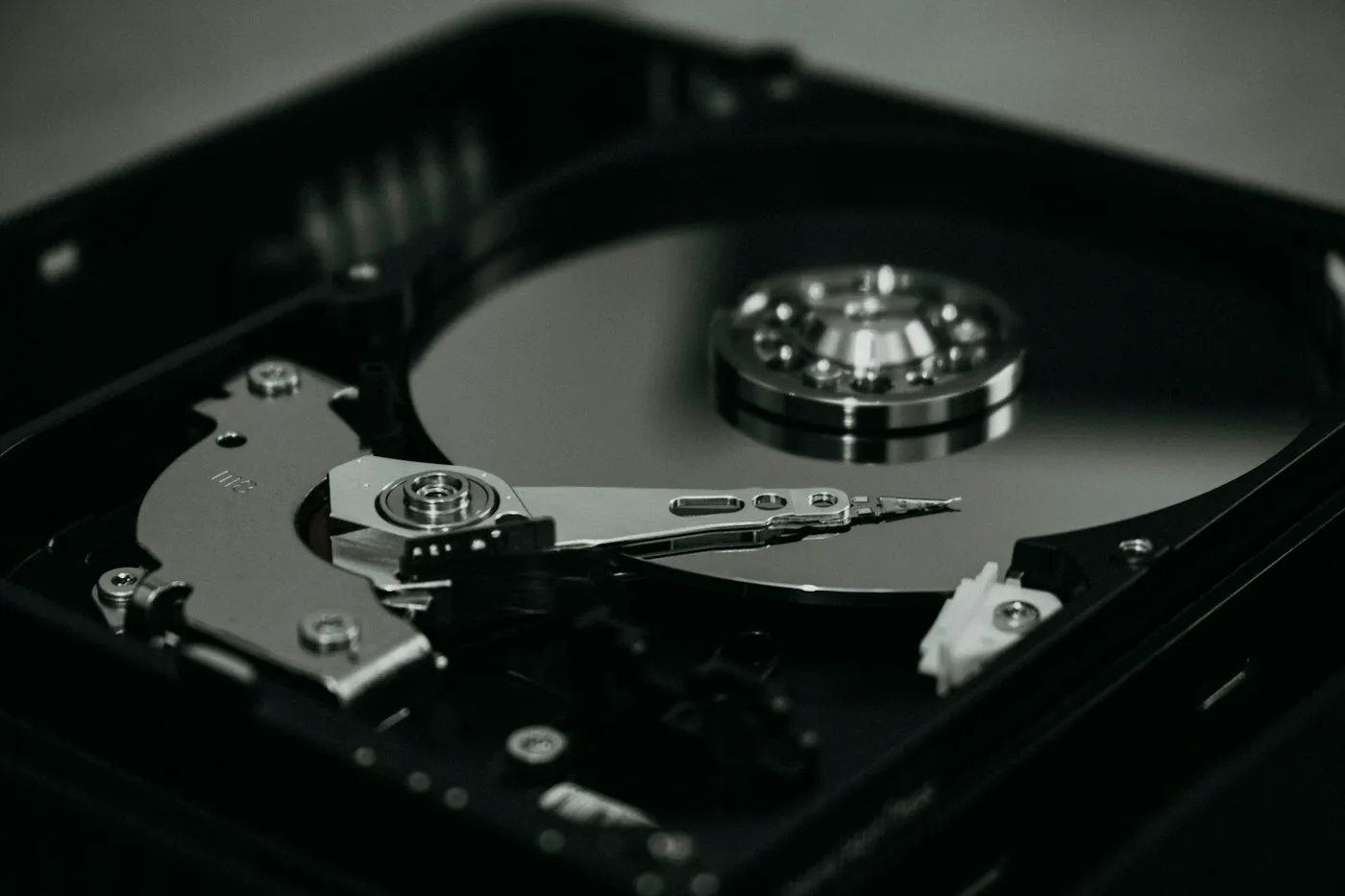
SSD vs HDD explained: why an NVMe SSD should be your main drive, when a cheap hard drive still makes sense, and what to check before buying PC storage.

Windows vs macOS vs ChromeOS in 2026: how each laptop OS compares on apps, gaming, price, security updates and phone ties, and which one suits you best.
Quick answers
Short, plain-English answers to the questions readers ask most about laptops & pcs.
For browsing, email, streaming and office work, 16 GB is the right choice and stays smooth for years; 8 GB is acceptable only on Chromebooks or for very light use. Consider 32 GB or more for heavy video editing, large photo libraries, virtual machines or running AI models locally. Microsoft's Copilot+ PCs require at least 16 GB.
Often not. Many thin laptops have memory soldered to the motherboard, and Apple silicon MacBooks cannot have their RAM or storage upgraded after purchase. Some Windows laptops still use removable memory modules, such as SO-DIMM or the newer LPCAMM2 format, and storage is more often upgradable through an M.2 slot, so check the spec sheet or the maker's service manual before you buy.
A Chromebook runs ChromeOS, which is built around the Chrome browser and web apps, and most current models can also install Android apps from Google Play. A Windows laptop runs full desktop programs, including specialist work software and most PC games. Chromebooks suit browsing, email, documents and streaming, and models released from 2021 onward get 10 years of automatic updates from their platform release date, so check the Auto Update Expiration date before you buy.
Explore more
Contact RedAndWhiteMagz.com
Spotted a new gadget, a scam making the rounds or a mistake in one of our guides? Tell us. We read every message and reply as quickly as we can.
