

How to choose a laptop: the specs that actually matter
How to choose a laptop in 2026: which processor, RAM, storage, screen and battery specs matter, what to skip, and the right setup for your budget and use.
Laptops & PCs · Explainer
How much RAM do you need in 2026? Why 16 GB is the new baseline for laptops and PCs, when 8 GB is still enough, and who should pay for 32 GB or more.
Key takeaways
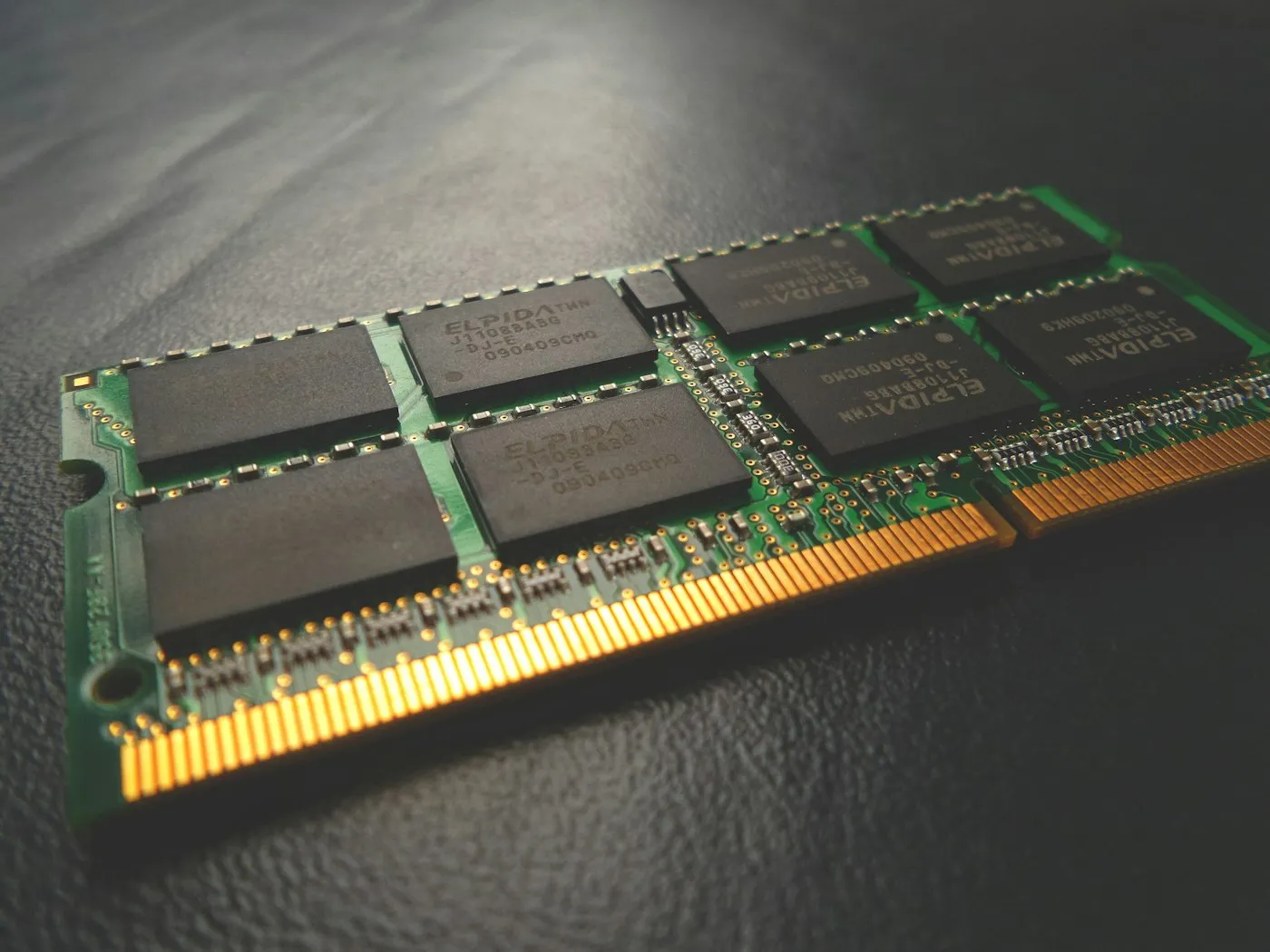
For most people, 16 GB of RAM is the right amount in 2026. It comfortably handles dozens of browser tabs, video calls and office apps at once, and it is the minimum for Microsoft’s Copilot+ PCs. 8 GB still works for light use on Chromebooks and entry-level Macs, while 32 GB or more pays off for video editing, coding, local AI models and serious gaming.
RAM, or memory, is your computer’s short-term workspace. Every open app, browser tab and document sits in RAM so the processor can reach it instantly. It is different from storage: your SSD keeps files permanently, while RAM is cleared when you shut down. Our SSD vs HDD guide covers the storage side.
When RAM fills up, the operating system moves data you aren’t using right now onto the storage drive. Windows calls this the page file, and macOS calls it swap. Even a fast SSD is much slower than RAM, so you notice it as:
The reverse matters too: RAM that sits empty doesn’t make a computer faster. On a Mac, Apple’s Activity Monitor shows green memory pressure when your computer “is using all of its RAM efficiently,” so full memory on its own isn’t a problem. The goal is enough RAM for your busiest normal day, not the biggest number on the shelf.
| What you do | Workable | Recommended |
|---|---|---|
| Web, email, streaming, schoolwork | 8 GB | 8 GB on a Chromebook, 16 GB elsewhere |
| Office work, video calls, many tabs | 8 GB | 16 GB |
| PC gaming | 16 GB | 16 to 32 GB |
| Photo editing, light video work | 16 GB | 32 GB |
| 4K video, 3D, coding, virtual machines | 32 GB | 32 to 64 GB |
| Running AI models locally | 16 GB | 32 GB or more |
Phones are a different story. You usually can’t choose RAM separately, so compare software support and battery life first, as our budget smartphone buying guide explains.
On paper, Windows 11 needs just 4 GB, and Microsoft’s page All about computer memory recommends 8 GB to keep a device running well long term. In practice, several signs point to 16 GB as the new normal:
8 GB suits a light-use computer that you don’t plan to push:
If you can stretch to 16 GB, do. Memory is often the part that decides when a computer starts to feel old. Our comparison of Windows vs macOS vs ChromeOS helps if you’re still choosing a platform.
Step up if any of these describe you:
64 GB or more is mainly for professional video, 3D rendering, data science and very large local AI models.
On Apple silicon Macs, the processor and graphics share one pool of unified memory. That design is efficient, but graphics-heavy work draws from the same pool as your apps. If you edit video or run local AI models on a Mac, lean toward 24 GB or 32 GB.
Check whether a laptop’s memory can be upgraded before you buy, because many can’t be:
If a laptop or desktop does have slots, a matched pair of modules running in dual-channel mode usually performs better than one large module, especially with integrated graphics.
Prices are another reason to get this right up front. Memory contract prices reached record highs in 2026 as demand from AI servers soaked up supply. Market researcher TrendForce forecast another 13% to 18% rise in conventional DRAM contract prices for the third quarter, and expected retail laptop prices to rise across the board. Check the exact configuration when you shop, because the same laptop model is often sold with different amounts of RAM.
Before you replace a computer, check how much memory it actually uses on a busy day:
If your computer feels slow but memory isn’t the bottleneck, try our guide to speeding up a slow laptop before you spend anything.
Get 16 GB of RAM in a mainstream laptop or desktop in 2026, drop to 8 GB only for a light-use Chromebook or entry-level Mac, and choose 32 GB or more for creative work, development, local AI or long-term gaming. Check whether the memory is soldered, because you may not get a second chance to add more. For the rest of the spec sheet, read how to choose a laptop or use our buying cheat sheet, and find more plain-English guides on RedAndWhiteMagz.com.
For light use, yes: web browsing, email, streaming and schoolwork, especially on a Chromebook or an entry-level Mac. On Windows, 8 GB matches Microsoft's own long-term recommendation but leaves little room for many tabs, video calls and background apps at once. If you can afford it, 16 GB stays comfortable for much longer.
For browsing and office work, yes. It starts to pay off if you edit 4K video, manage large photo libraries, run virtual machines or local AI models, or want a gaming PC to stay comfortable for years. In Steam's August 2026 hardware survey, 32 GB was already the second most common amount among its users, just behind 16 GB.
Only up to a point. More RAM helps when you are running out, because the computer no longer has to shuffle data to the much slower storage drive. Once you have enough for your workload, extra memory mostly sits idle, and a faster processor or SSD makes a bigger difference.
16 GB runs most current PC games, and 32 GB leaves headroom for newer releases and for chat, browser or streaming apps running alongside. The graphics card's own video memory (VRAM) is a separate spec, and it matters just as much for high settings.
First published . Spotted an error? Read our editorial policy and tell us.
How to choose a laptop in 2026: which processor, RAM, storage, screen and battery specs matter, what to skip, and the right setup for your budget and use.

How to speed up a slow laptop on Windows or Mac: nine fixes that work, from startup apps and storage to power mode, malware scans, resets and upgrades.
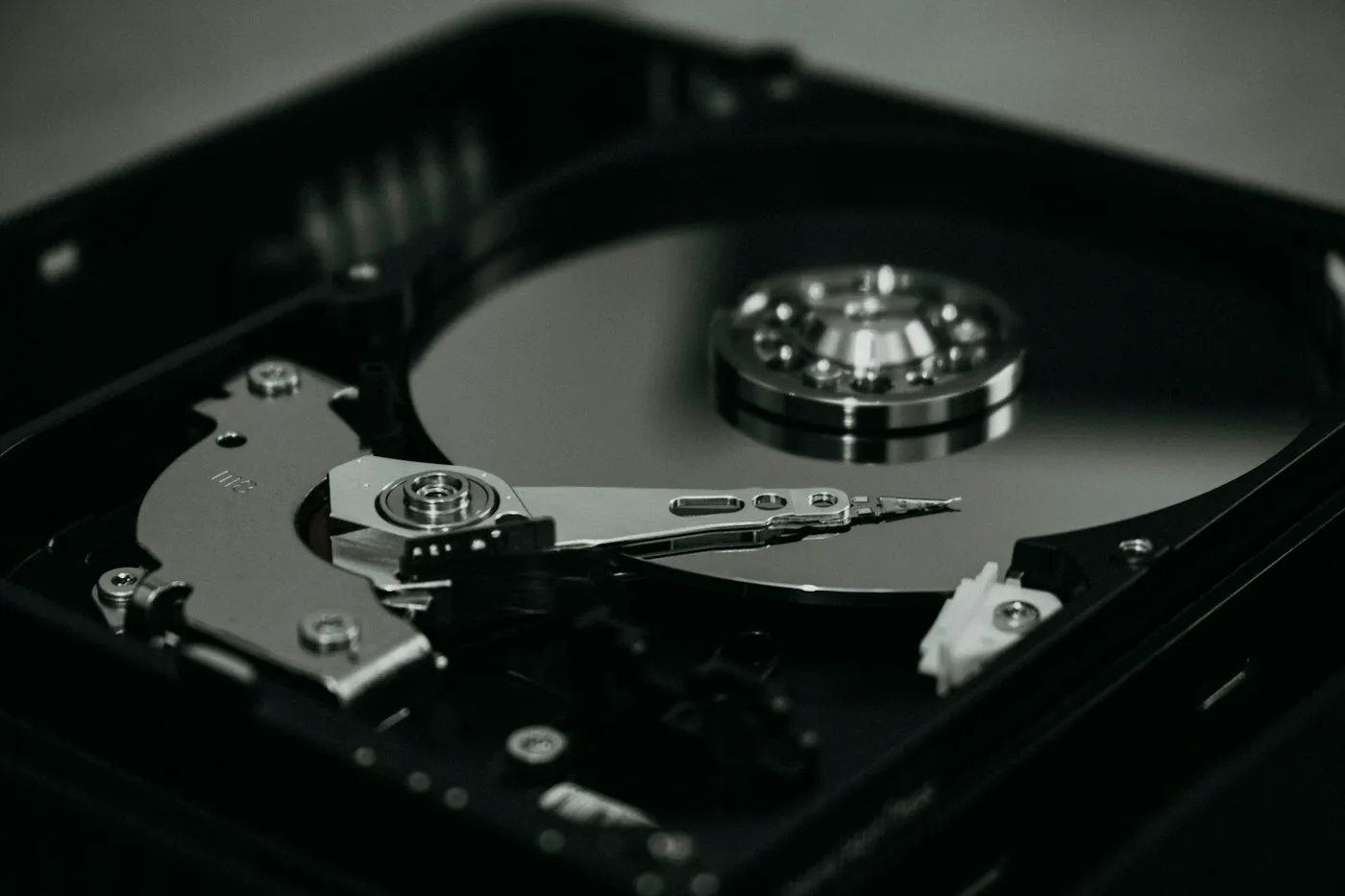
SSD vs HDD explained: why an NVMe SSD should be your main drive, when a cheap hard drive still makes sense, and what to check before buying PC storage.
Contact RedAndWhiteMagz.com
Spotted a new gadget, a scam making the rounds or a mistake in one of our guides? Tell us. We read every message and reply as quickly as we can.
