

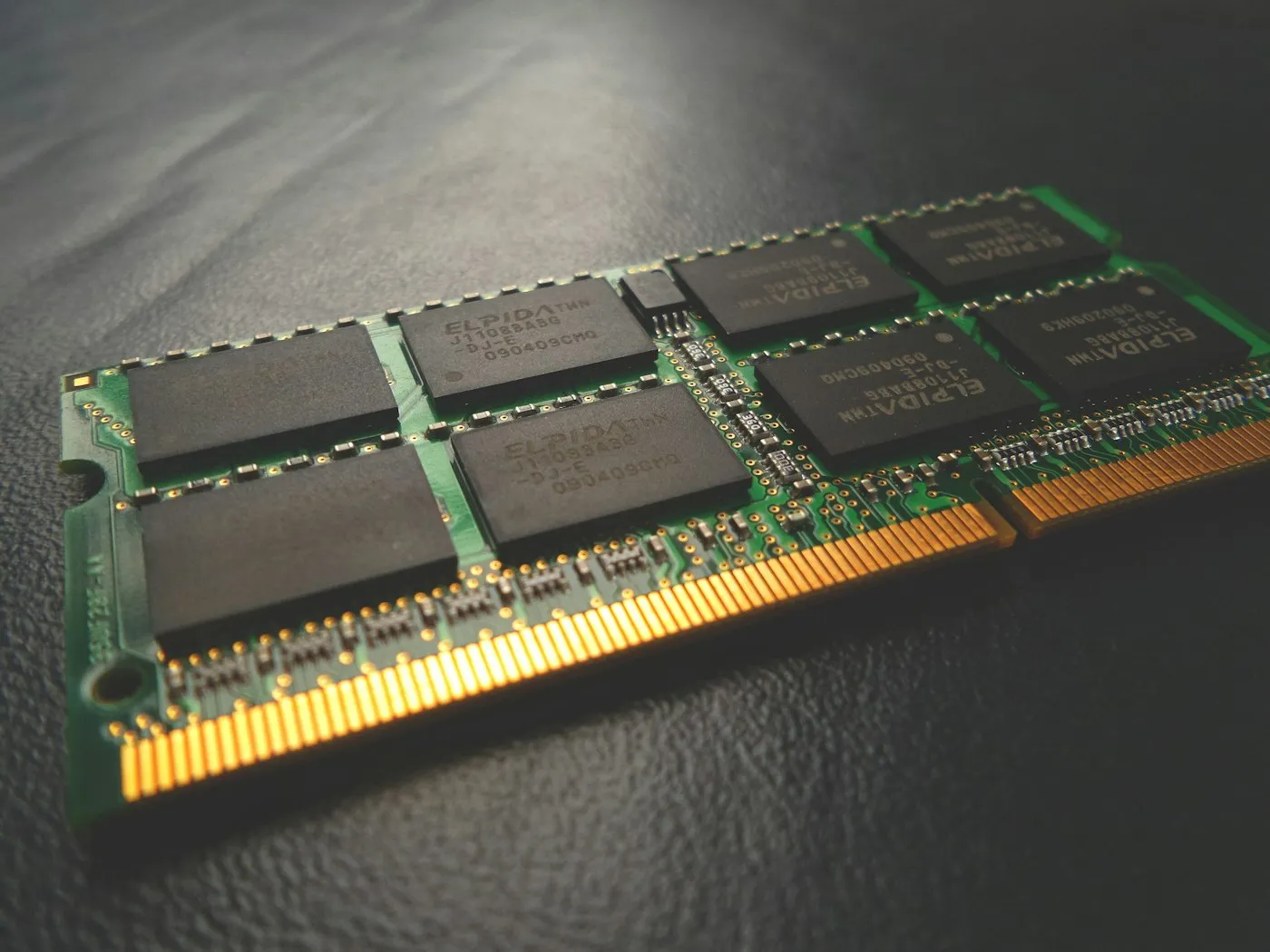
How much RAM do you need in 2026?
How much RAM do you need in 2026? Why 16 GB is the new baseline for laptops and PCs, when 8 GB is still enough, and who should pay for 32 GB or more.
Laptops & PCs · Comparison
Windows vs macOS vs ChromeOS in 2026: how each laptop OS compares on apps, gaming, price, security updates and phone ties, and which one suits you best.

Key takeaways
Choose Windows if you need the widest range of apps and games, macOS if you own an iPhone and want a polished, long-supported laptop, and ChromeOS if you mostly live in a web browser and want the simplest, cheapest option. The rest comes down to trade-offs in software, gaming, updates and how each one works with your phone.
| Windows 11 | macOS | ChromeOS | |
|---|---|---|---|
| Best for | Work software, PC gaming, the most hardware choice | iPhone owners, creative work, long battery life | Web, email, schoolwork, shared family laptops |
| Who makes the laptops | Dozens of brands | Apple only | Many brands, including Acer, ASUS, HP and Lenovo |
| Price range | Budget to premium | From $699 (MacBook Neo) | Usually the cheapest of the three |
| Apps | Almost all desktop software | Most major apps, fewer niche tools | Web apps, Android apps, optional Linux |
| Gaming | By far the best | Much smaller game library | Mostly Android games and cloud streaming |
| Updates | Each yearly version gets 24 months; upgrades are free | No fixed window from Apple | 10 years from the platform’s release |
| Best phone match | Android (iPhone support is basic) | iPhone | Android |
Nearly every desktop program, from tax and accounting tools to engineering and design software, is built for Windows first. If your job or class requires a specific app, Windows is the least likely to leave you stuck.
Laptops with Qualcomm Snapdragon chips run the Arm version of Windows 11. Many popular apps now run natively, including Microsoft 365, Chrome, Zoom, Slack and Spotify, and many others run through Microsoft’s Prism emulator.
According to Microsoft’s Windows Arm-based PCs FAQ, the weak spots are:
Search for your must-have apps on Windows on Arm Ready Software before you buy.
Microsoft 365, Adobe’s creative apps, Chrome, Zoom and most popular programs have Mac versions, and Apple’s Final Cut Pro and Logic Pro aren’t available on Windows at all. The gaps show up in specialized business, engineering and industry software, so check with your employer or school if you rely on one particular program.
Chromebooks run web apps, Android apps from Google Play and, for tinkerers, an optional Linux environment. You can’t install traditional Windows or Mac programs. Google also notes that some Android apps don’t work on some Chromebooks, so don’t assume every app on your phone will carry over.
In Valve’s Steam Hardware & Software Survey for August 2026, about 94% of Steam users were on Windows and about 2% were on macOS. That imbalance explains why most PC games launch on Windows first, and many never reach the Mac.
If gaming is a priority, our gaming PC vs console guide helps you decide whether a laptop is the right tool at all.
Windows laptops come from dozens of brands at every price, from basic budget models to thin premium machines and heavy gaming rigs. That choice is a strength, but cheap models often cut corners on screens, memory and storage. Our guide to how to choose a laptop shows which specs to protect.
As of late September 2026, the MacBook Neo is the least expensive laptop on Apple’s US store, listed from $699 with 256 GB of storage and $799 with 512 GB. According to Apple’s tech specs, it has:
MacBook memory and storage can’t be upgraded later, so choose carefully at checkout. The Neo’s 8 GB suits browsing, schoolwork and streaming, but it’s below the 16 GB we suggest for most laptops; the MacBook Air starts at 16 GB, and it and the MacBook Pro cost more. Our guide to how much RAM you need can help.
Chromebooks are usually the lowest-cost laptops you can buy. Google is also launching Googlebook, a new line of premium laptops that run an Android-based Googlebook OS. Google says they start at $899 and arrive on US shelves on October 4, 2026, with updates for up to 10 years. Chromebooks aren’t going away: Google told business and school customers in May 2026 that Chromebooks remain a long-term investment with 10 years of automatic updates.
All three install security updates automatically and include built-in malware protection, from Windows Security to Apple’s XProtect. The bigger difference is how long each laptop stays supported.
Google’s Auto Update policy gives Chromebooks 10 years of updates from the platform release date. A platform is the set of chips and components a model is built on, so a Chromebook still on sale years after its platform launched has fewer years left. To see your date, open Settings, select About ChromeOS, then Additional details, as Google explains in its update schedule guide.
Apple doesn’t publish a support window for Macs. Its track record is a useful guide, though: macOS 27 Golden Gate, released in September 2026, still supports the MacBook Air (M1, 2020). It also drops Intel Macs entirely. Older versions keep getting fixes for a while, too. Apple’s security releases page shows macOS Tahoe 26.7 and macOS Sequoia 15.8 updates on the same day macOS 27 arrived.
Your phone may be the best tiebreaker.
Whichever pairing you pick, set up backups for both devices; our guide on how to back up your phone and computer walks through it.
There’s no single best laptop OS, only the best match for your apps, your games and your phone. Start with the software you can’t live without, since that often decides for you, then use updates and price to break a tie. Whatever you choose, keep automatic updates switched on.
For more plain-English laptop advice, browse our Laptops section, grab quick picks from the buying cheat sheet, or head to RedAndWhiteMagz.com for the latest guides.
Yes, through the web versions of Microsoft 365, which you open in the Chrome browser. You can't install the desktop Windows or Mac versions, and Microsoft says the Android versions of its Office apps aren't supported on Chromebooks. The web apps handle everyday documents and spreadsheets well, but heavy Excel users may miss some advanced features.
Not directly on current Macs. Apple's Boot Camp dual-boot tool works only on Intel-based Macs, so Apple silicon Macs need a virtual machine instead. Microsoft names Parallels Desktop as an authorized way to run Arm versions of Windows 11 Pro and Enterprise on Macs with M1, M2 and M3 chips, but some games and apps, including those that rely on DirectX 12, may not work, and you need a separate Windows license.
It keeps working, but it no longer receives ChromeOS and browser updates, including security fixes, bug fixes and new features. Google shows a notification when that happens, and some apps may stop supporting the device over time. It's best to stop using an out-of-date Chromebook for banking, shopping or work accounts.
Yes, if it meets Windows 11's minimum requirements, which include TPM 2.0, Secure Boot support, 4 GB of RAM, 64 GB of storage and a processor on Microsoft's approved list. Eligible PCs see the free upgrade in Settings under Windows Update. Windows 10 Home and Pro move to the matching edition of Windows 11.
First published . Spotted an error? Read our editorial policy and tell us.
How much RAM do you need in 2026? Why 16 GB is the new baseline for laptops and PCs, when 8 GB is still enough, and who should pay for 32 GB or more.
How to choose a laptop in 2026: which processor, RAM, storage, screen and battery specs matter, what to skip, and the right setup for your budget and use.

How to speed up a slow laptop on Windows or Mac: nine fixes that work, from startup apps and storage to power mode, malware scans, resets and upgrades.
Contact RedAndWhiteMagz.com
Spotted a new gadget, a scam making the rounds or a mistake in one of our guides? Tell us. We read every message and reply as quickly as we can.
