

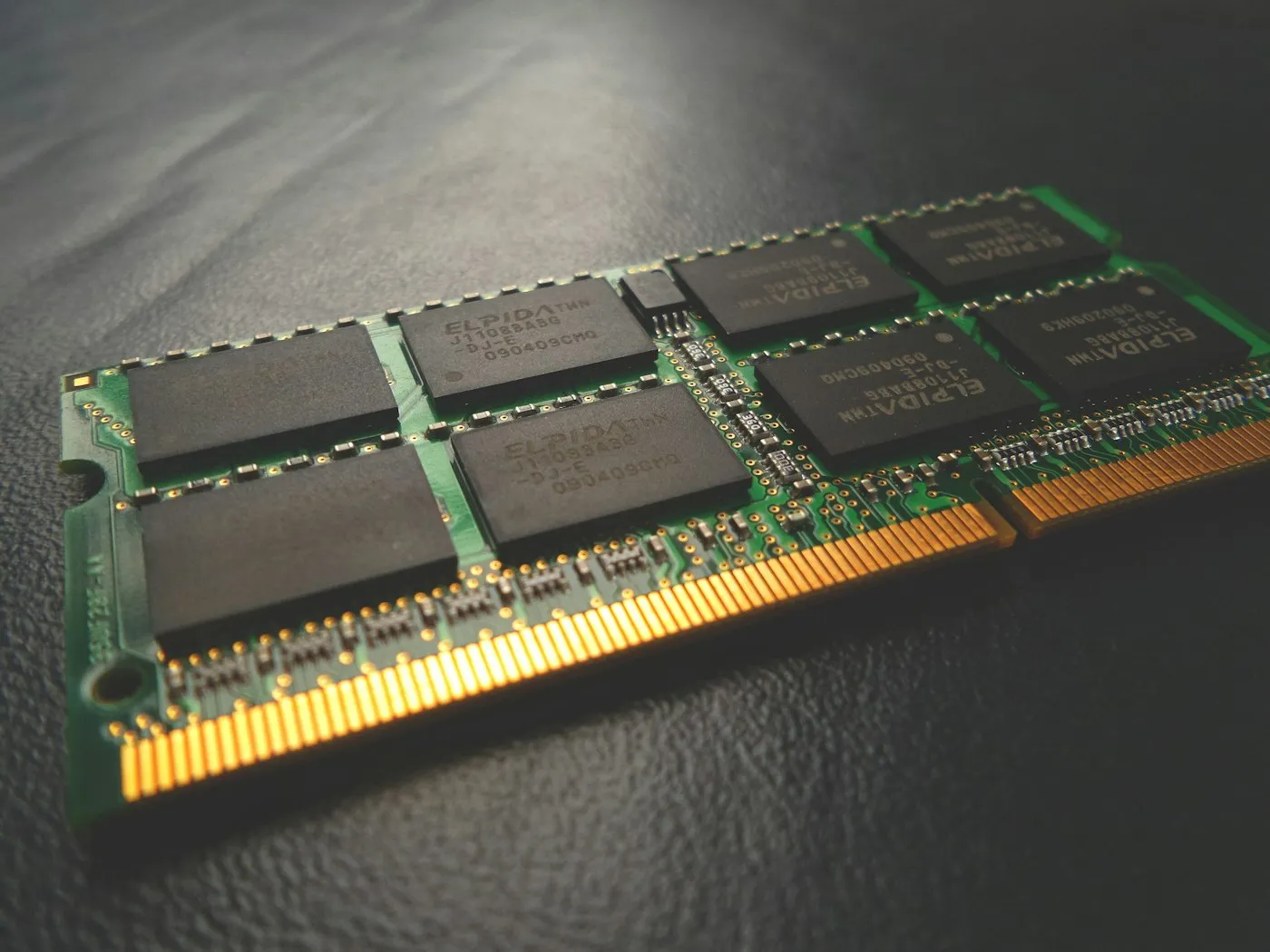
How much RAM do you need in 2026?
How much RAM do you need in 2026? Why 16 GB is the new baseline for laptops and PCs, when 8 GB is still enough, and who should pay for 32 GB or more.
Laptops & PCs · Buying guide
How to choose a laptop in 2026: which processor, RAM, storage, screen and battery specs matter, what to skip, and the right setup for your budget and use.
Key takeaways
Most people need a laptop with 16 GB of RAM, a 512 GB SSD, a screen rated at 300 nits or brighter and a processor from a recent generation. Get those four right and almost any mainstream laptop will feel quick for years. Everything else, from graphics chips to AI features, depends on what you actually do with it.
Before you compare models, decide which of these groups you fall into. It narrows the field faster than any spec sheet.
| How you’ll use it | Processor | RAM | Storage | Graphics |
|---|---|---|---|---|
| Web, email, streaming, schoolwork | Entry or midrange, current generation | 8 GB (Chromebook) or 16 GB | 256 to 512 GB | Integrated |
| Office work and heavy multitasking | Midrange, current generation | 16 GB | 512 GB | Integrated |
| Photo editing, light video work | Midrange to high-end | 16 to 32 GB | 1 TB | Integrated or entry-level dedicated GPU |
| Gaming | Performance chip | 16 to 32 GB | 1 TB | Dedicated GPU with 8 GB or more of video memory |
| 4K video, 3D, coding, local AI models | High-end | 32 GB or more | 1 TB or more | Strong dedicated GPU, or a high-end Mac |
Two more questions shape the rest: which operating system you want, and how often the laptop leaves your desk. A machine you carry every day should favor low weight and long battery life. One that lives next to a monitor can be bigger and heavier.
As of 2026, new laptops use one of four processor families:
Within a family, the tier (Core Ultra 5, 7 or 9; Ryzen AI 5, 7 or 9) matters less than most shoppers think. A current midrange chip handles browsing, office apps and video calls with room to spare. You will notice too little memory long before you notice a slower chip.
Budget laptops often use older chips with newer-sounding names. Intel’s “Core 5” and “Core 7” processors without the word “Ultra,” for example, are budget chips, many based on older designs, and none meet Microsoft’s Copilot+ PC requirements. Look up the exact model number on the chipmaker’s website and check its launch date. If it is more than about two years old, expect weaker battery life and fewer features.
Snapdragon laptops run the Arm version of Windows 11. According to Microsoft’s Windows on Arm documentation, Windows 11 can run unmodified x64 apps on Arm through emulation, and many popular apps now run natively. When problems do show up, they usually involve hardware drivers (older printers and scanners), some VPN and security tools, and games with anti-cheat software. Search for your must-have apps on Windows on Arm Ready Software before you buy.
The graphics built into the processor are fine for streaming, photo edits and casual games. You need a dedicated graphics card (GPU) for modern 3D games at good settings, serious video editing or 3D work. For gaming laptops, two specs matter most:
If you’ll connect an external screen for gaming, our gaming monitor buying guide explains refresh rates and panel types.
Memory (RAM) decides how many apps and browser tabs you can keep open before the laptop slows down.
Many thin laptops have memory soldered to the motherboard, so you can’t add more later. Buy the amount you’ll need for the laptop’s whole life.
Avoid Windows laptops with eMMC storage, a slower, phone-style type of storage found in some very cheap models, usually in 64 GB or 128 GB sizes. Windows 11 needs a 64 GB or larger drive just to install, which leaves little room for your files. Look for an NVMe SSD instead. On Macs and many thin Windows laptops, storage can’t be upgraded later either.
You look at the screen every minute you use the laptop, so it’s worth paying for.
Manufacturer battery claims come from specific tests, such as video playback, and rarely match mixed daily use. Compare independent review results, and check battery capacity in watt-hours (Wh): for similar hardware, a bigger number generally means longer runtime. Big laptops tend to top out just under 100 Wh, the FAA’s per-battery limit for lithium-ion batteries on passenger flights without airline approval.
A 1080p webcam, a comfortable keyboard, a large and accurate trackpad, and a fingerprint reader or face-recognition camera make a bigger daily difference than a faster chip. If you can, try the keyboard in a store before you buy.
Most current laptop chips include an NPU (neural processing unit) for on-device AI. Microsoft’s Copilot+ PC label goes further: it requires an NPU rated at 40 TOPS or more, 16 GB of RAM and a 256 GB SSD. Those laptops unlock Windows features such as Recall (which is opt-in), Click to Do and live caption translation.
Is it worth paying extra for? Usually not on its own. Popular chatbots run in the cloud, so they work the same on any laptop. Many current Intel Core Ultra, AMD Ryzen AI and Snapdragon X chips already meet the bar, so you’ll often get Copilot+ features anyway. Not all of them do, though: Intel’s Core Ultra 200H and 200HX chips, common in gaming laptops, fall well short of 40 TOPS. Our explainer What is an NPU? covers the details.
Buy for how you’ll use the laptop, then lock in the basics: 16 GB of RAM, a 512 GB SSD, a screen rated at 300 nits or brighter and a current-generation processor. Add a dedicated GPU only for gaming or heavy creative work, and treat Copilot+ features as a bonus rather than the reason to buy. For quick picks, use our buying cheat sheet, look up unfamiliar terms in the tech glossary, or browse more advice in Laptops.
For more buying advice in plain English, head to RedAndWhiteMagz.com.
16 GB is the right amount for most people, and it is also the minimum for Microsoft's Copilot+ PCs. 8 GB is acceptable only on Chromebooks or for very light use. Choose 32 GB or more for video editing, software development, running AI models locally or keeping a gaming laptop comfortable for years.
Only if you keep most of your files in the cloud. Windows, updates and apps take a sizable share of the drive, so 512 GB is the safer choice for most buyers. Gamers and video editors should look at 1 TB or more.
Not necessarily. Copilot+ PCs add on-device Windows features such as Recall and live caption translation, but popular chatbots run in the cloud and work on any laptop. Many current midrange chips already qualify, so treat it as a bonus rather than a must-have.
They are a strong choice for battery life and everyday apps, and Windows 11 can run most x64 apps through emulation. Check that your must-have software, games and accessories are supported before buying, especially games with anti-cheat software, older printers and some VPN tools.
First published . Spotted an error? Read our editorial policy and tell us.
How much RAM do you need in 2026? Why 16 GB is the new baseline for laptops and PCs, when 8 GB is still enough, and who should pay for 32 GB or more.

How to speed up a slow laptop on Windows or Mac: nine fixes that work, from startup apps and storage to power mode, malware scans, resets and upgrades.
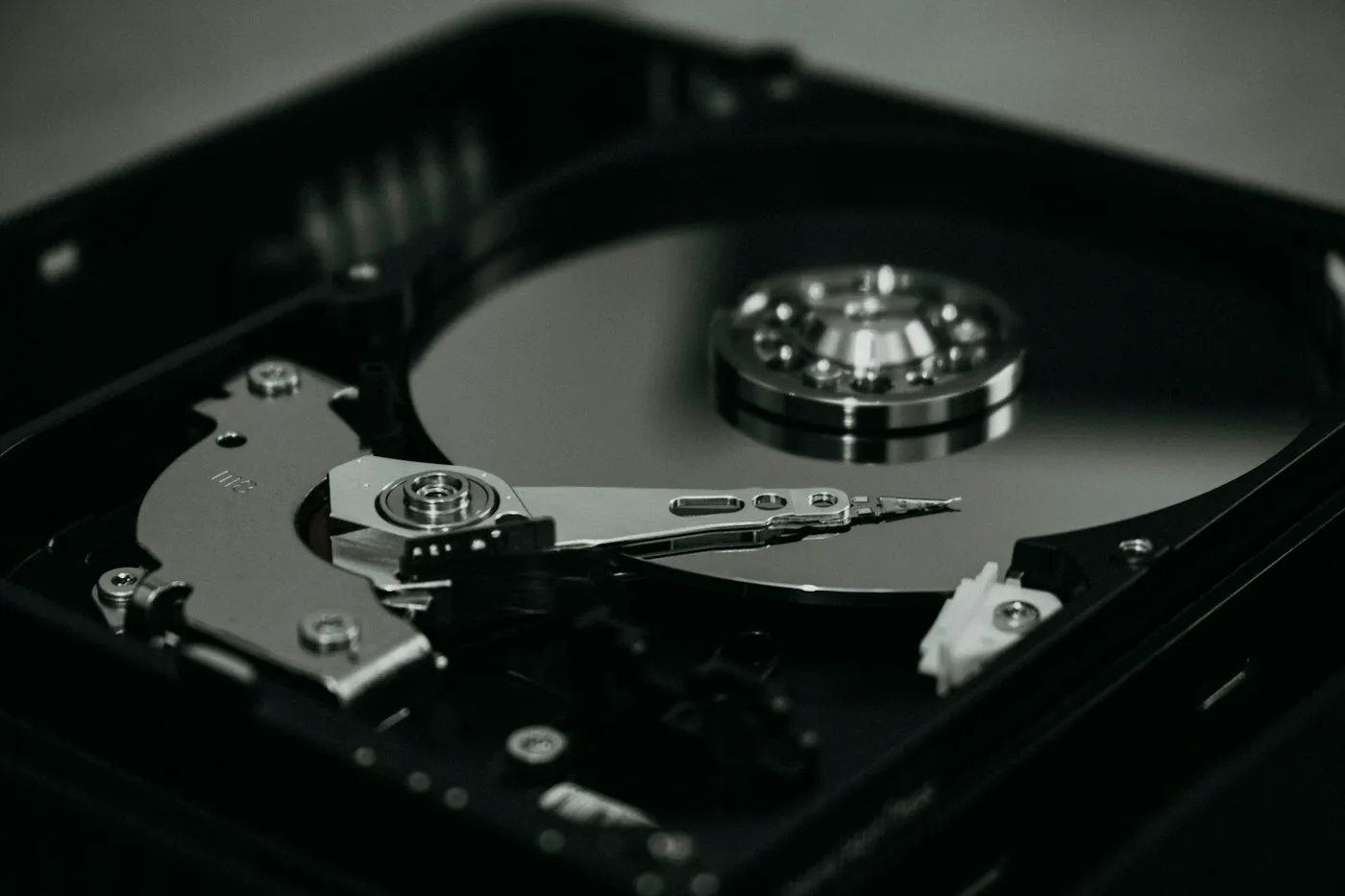
SSD vs HDD explained: why an NVMe SSD should be your main drive, when a cheap hard drive still makes sense, and what to check before buying PC storage.
Contact RedAndWhiteMagz.com
Spotted a new gadget, a scam making the rounds or a mistake in one of our guides? Tell us. We read every message and reply as quickly as we can.
