


Home security camera buying guide: local vs cloud storage and privacy
Home security camera buying guide: resolution, night vision and field of view explained, plus local vs cloud storage, encryption and privacy tips before you buy.
Topic hub
Reliable Wi-Fi first, then speakers, lights and cameras that work together, whichever phone or voice assistant your household prefers.
About this hub
The Smart Home hub starts where every connected home starts: the network. We cover Wi-Fi routers and mesh systems, smart speakers and displays, smart lighting, the Matter and Thread standards that help devices from different brands work together, and home security cameras and video doorbells. Most of it applies whether your household leans toward Apple, Google or Amazon, and we point out when a feature is tied to one of them.
Renters setting up their first smart bulb, homeowners tired of Wi-Fi dead zones, and anyone juggling three apps just to switch off the lights are who we have in mind. Smart home products change quickly, and a device that is marketed as working with a platform does not always support every feature on it. So RedAndWhiteMagz.com explains compatibility in plain terms: which hub or app a device needs, whether it keeps working when the internet drops, and what it records or sends to the cloud. We also weigh convenience against privacy, especially for cameras and microphones in shared rooms.
If your Wi-Fi is unreliable, fix that before buying anything else, because most smart devices depend on it or on a hub connected to it. After that, the subtopics below walk through each device category, and the FAQs explain Matter, Thread border routers and when a mesh system is worth it. Before you buy, check three things on the box or spec sheet: Matter support, the platforms the device works with, and whether core features need a paid subscription.
Wi-Fi 6, 6E and 7 explained, plus router placement, WPA3 security and the settings that fix slow or dropping connections.
When a mesh system beats a single router or a range extender, how to place the units, and why wired backhaul helps.
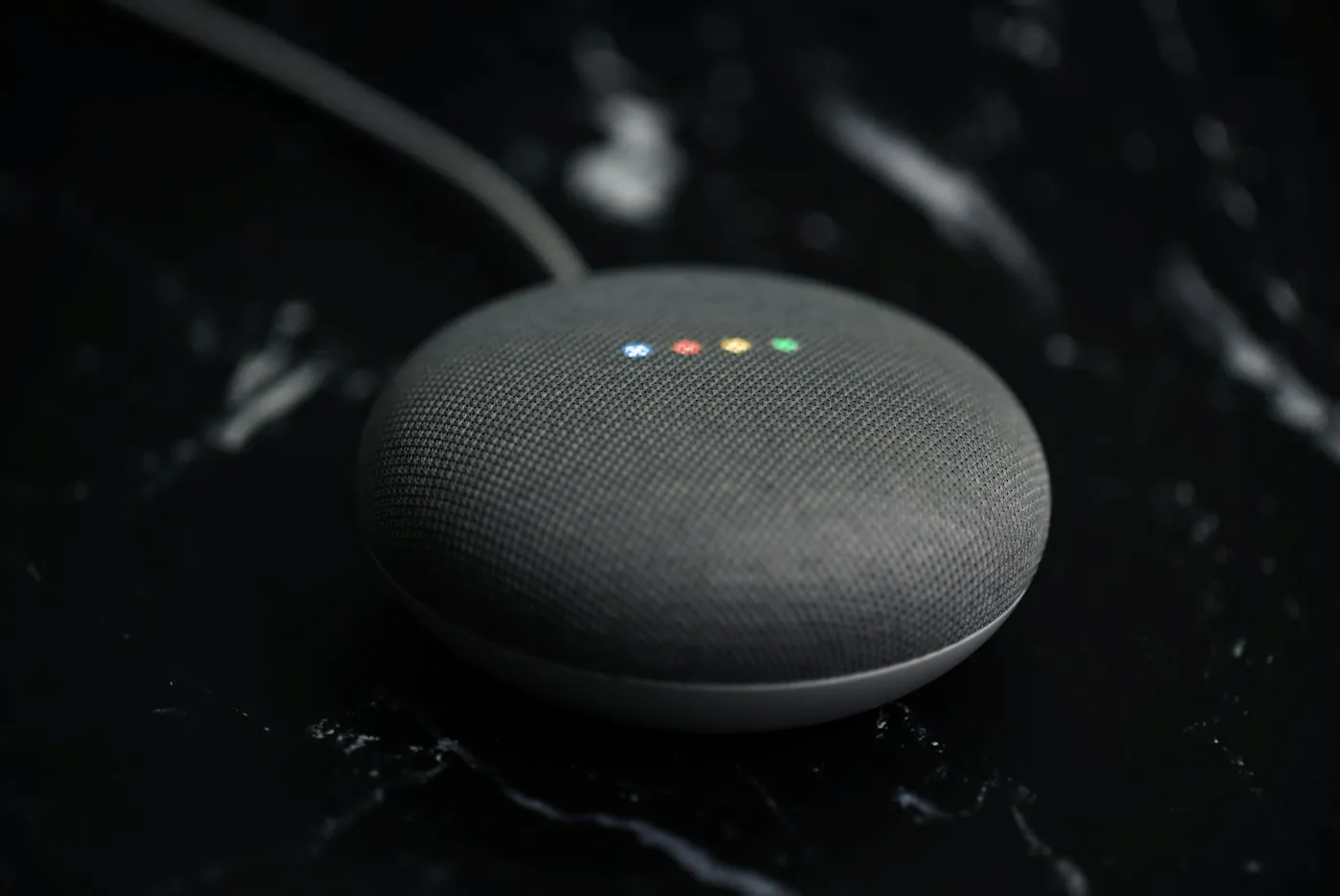
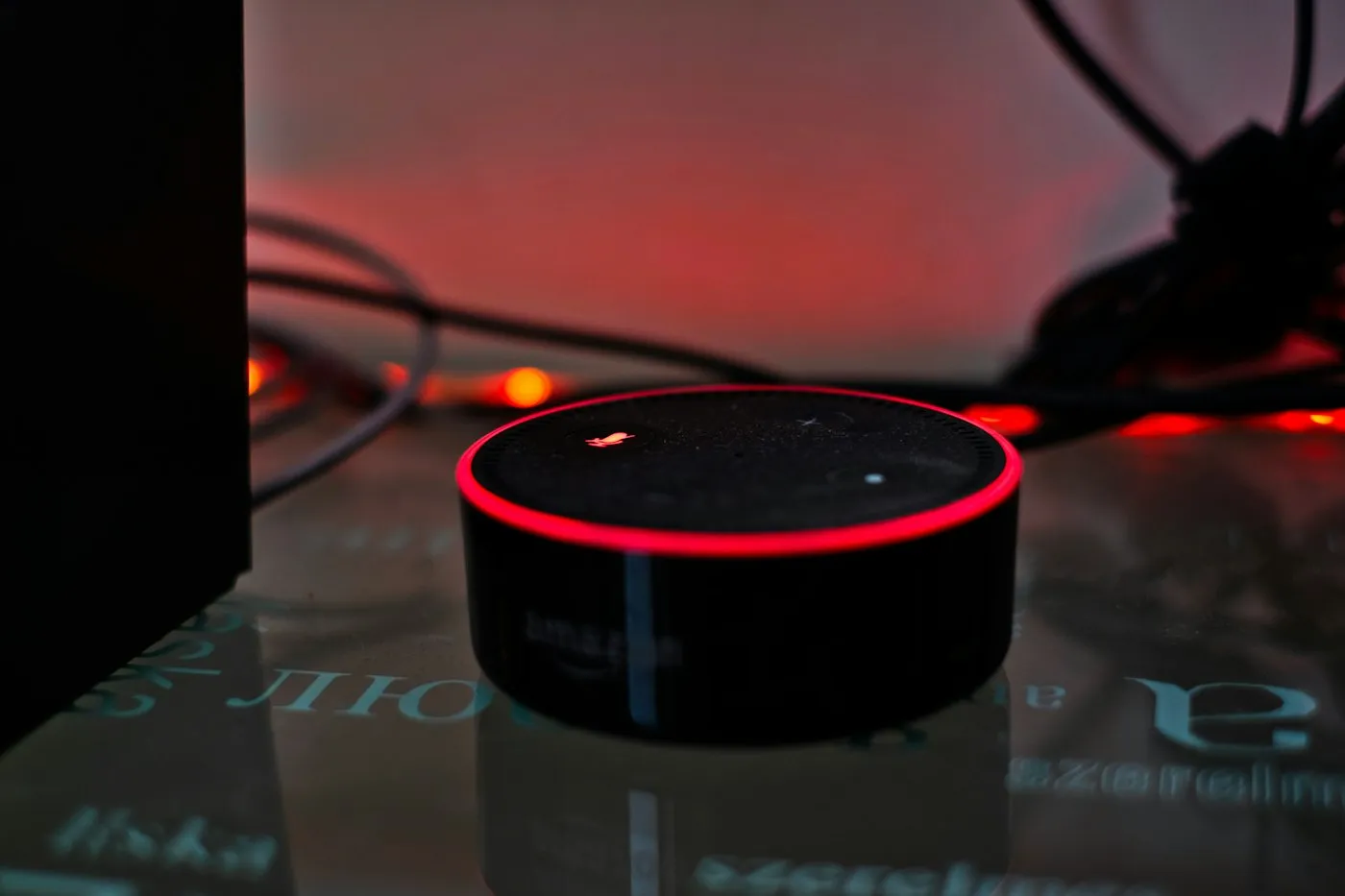
Echo, Nest and HomePod speakers and displays compared on sound, voice assistant, privacy controls and smart home features.
Bulbs, light strips, smart switches and plugs, and how to choose between Wi-Fi, Thread, Zigbee and Bluetooth models.
What the two standards do, how Matter lets one device work with Apple Home, Google Home, Alexa and SmartThings, and what a Thread border router is for.
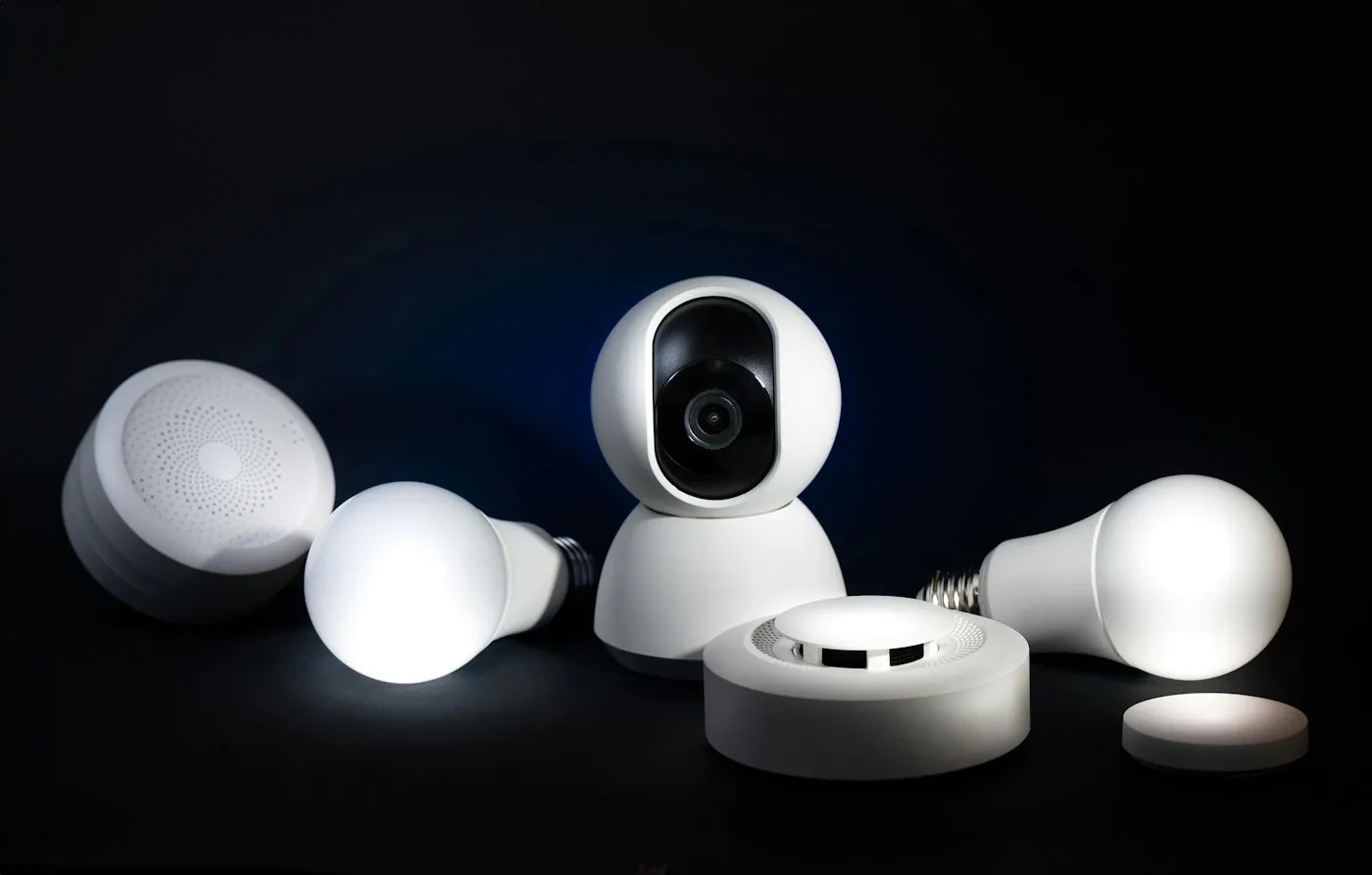
Indoor and outdoor cameras and video doorbells, local versus cloud storage, subscription costs, end-to-end encryption options and placement that respects your neighbors' privacy.
Smart Home guides
Home security camera buying guide: resolution, night vision and field of view explained, plus local vs cloud storage, encryption and privacy tips before you buy.
How to set up a secure smart home: lock down your router, protect your accounts, choose devices that keep getting updates and tune mic and camera privacy.
Matter and Thread explained: how the smart home standards work together, which speakers and hubs are Thread border routers and what Matter still can't do.
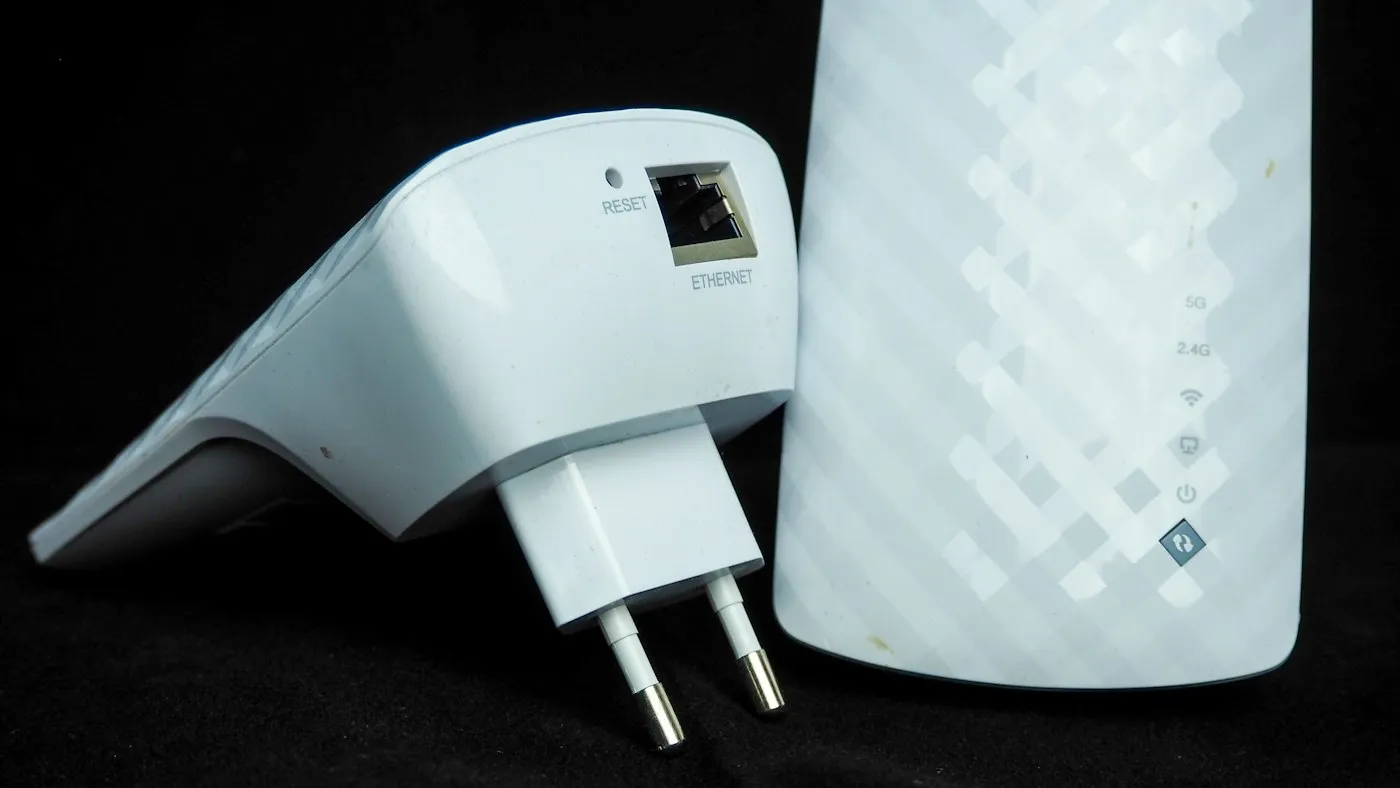
Mesh Wi-Fi vs extenders explained: how each fixes dead zones, why wired backhaul works best, and which to choose for your home's size, walls and floors.
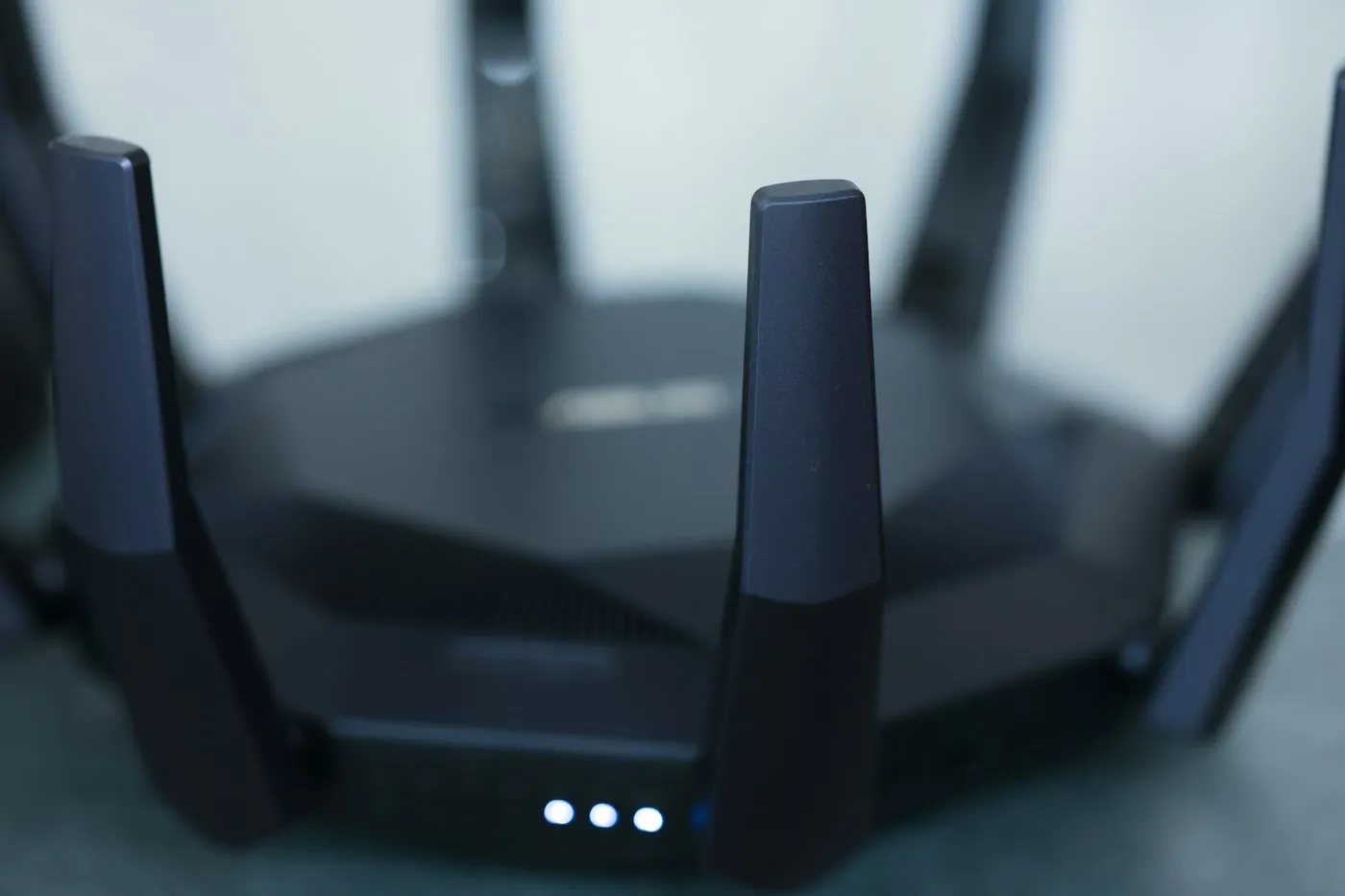
Wi-Fi 7 vs Wi-Fi 6E explained: what 320 MHz channels, MLO and 4K QAM really do, why your devices matter, and when a new router is actually worth buying.
Quick answers
Short, plain-English answers to the questions readers ask most about smart home.
Matter is an open smart home standard from the Connectivity Standards Alliance, backed by Apple, Google, Amazon, Samsung and hundreds of other companies. A Matter-certified device can be set up in Apple Home, Google Home, Amazon Alexa or SmartThings, and even added to more than one of them at once. Matter devices talk over your local network using Wi-Fi, Ethernet or Thread, so everyday commands can work without a trip to a company's cloud.
Thread is a low-power mesh network used by many Matter sensors, locks, bulbs and plugs. A Thread border router connects that network to your Wi-Fi or Ethernet network so your phone, apps and voice assistant can reach those devices, and you need one only if you use Thread devices. Many recent smart speakers, smart displays, streaming boxes and some routers have one built in, so check what you already own before buying a hub.
Not always. A single well-placed router often covers a small apartment, but a mesh system, which spreads one network across several units, is the better fix for dead spots in larger homes, multi-story layouts and rooms behind thick walls. If you can, connect the mesh units with Ethernet cables, known as wired backhaul, for the fastest and most stable speeds.
Explore more
Contact RedAndWhiteMagz.com
Spotted a new gadget, a scam making the rounds or a mistake in one of our guides? Tell us. We read every message and reply as quickly as we can.
