

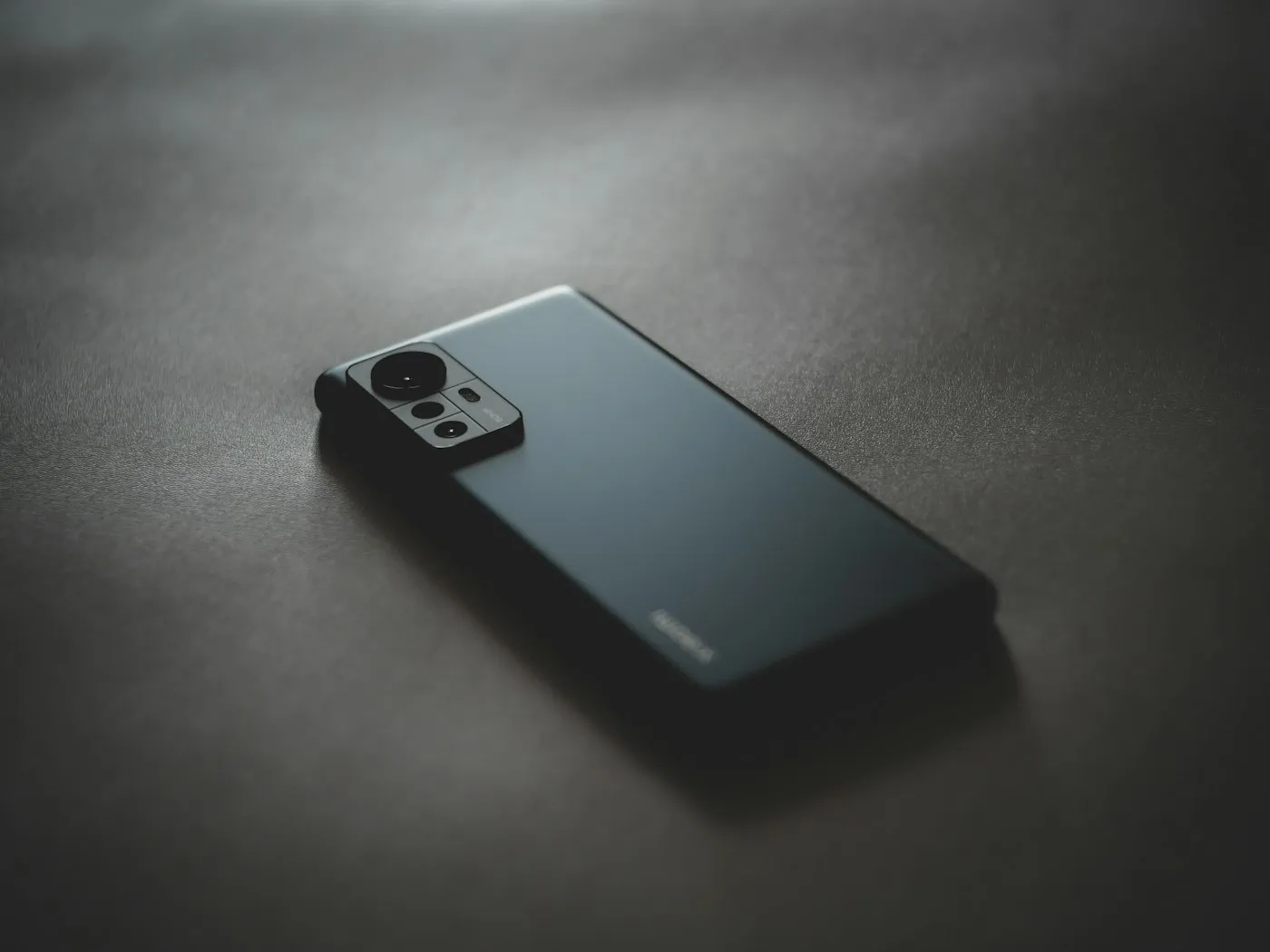
Budget smartphone buying guide: what to keep and what to compromise
Budget smartphone buying guide for 2026: the features worth keeping, like long software support and a good main camera, and the extras you can safely skip.
Topic hub
iPhone and Android advice focused on what you notice after the first week: camera results, battery life and how long the phone will keep getting updates.

About this hub
Your phone is probably the device you use most, so this hub looks at it from every angle. We cover flagship and budget models across iPhone and Android, camera hardware and image processing, battery life and charging standards, software-support promises, and the earbuds, chargers and cases that complete the setup. Both platforms get equal attention, and we point out when a feature is limited to one brand, region or carrier.
Whether you are choosing a new phone, deciding between a repair and a replacement, or trying to get more out of the model you already own, the aim is the same: focus on the numbers that hold up in daily use. A larger main camera sensor usually matters more than a higher megapixel count, and a long update promise can be worth more than a faster chip. On RedAndWhiteMagz.com, a phone recommendation always comes with its trade-offs, whether that is weight, charging speed or the price of the next storage tier.
Pick a subtopic below to see what we track, from flagships and budget picks to accessories. The FAQs cover three questions that come up with nearly every purchase: how long a phone will be supported, whether fast charging harms the battery, and what an eSIM is. When you are ready to shop, compare the support period, battery capacity and charging standard before you compare prices, because those decide how long a phone stays pleasant to use. If you are keeping your current phone, the software support and battery subtopics help you judge when it is time to upgrade.
The top models from Apple, Samsung, Google and others, and whether the newest features justify paying more than for last year's model.
Phones that get the basics right for less, and the corners cheaper models tend to cut, such as screen brightness, camera versatility and update length.
Sensor size, lenses, pixel binning and computational photography, explained so you can judge camera claims beyond the megapixel count.
Battery capacity, wired and wireless charging standards such as USB Power Delivery and Qi2, and the settings that help a battery age well.
How many years of Android or iOS upgrades and security patches each maker promises, and what changes once a phone stops receiving them.
Wireless earbuds, chargers, cables and cases, including which Bluetooth codecs your phone actually supports and which add-ons are worth the money.
Smartphones guides
Budget smartphone buying guide for 2026: the features worth keeping, like long software support and a good main camera, and the extras you can safely skip.
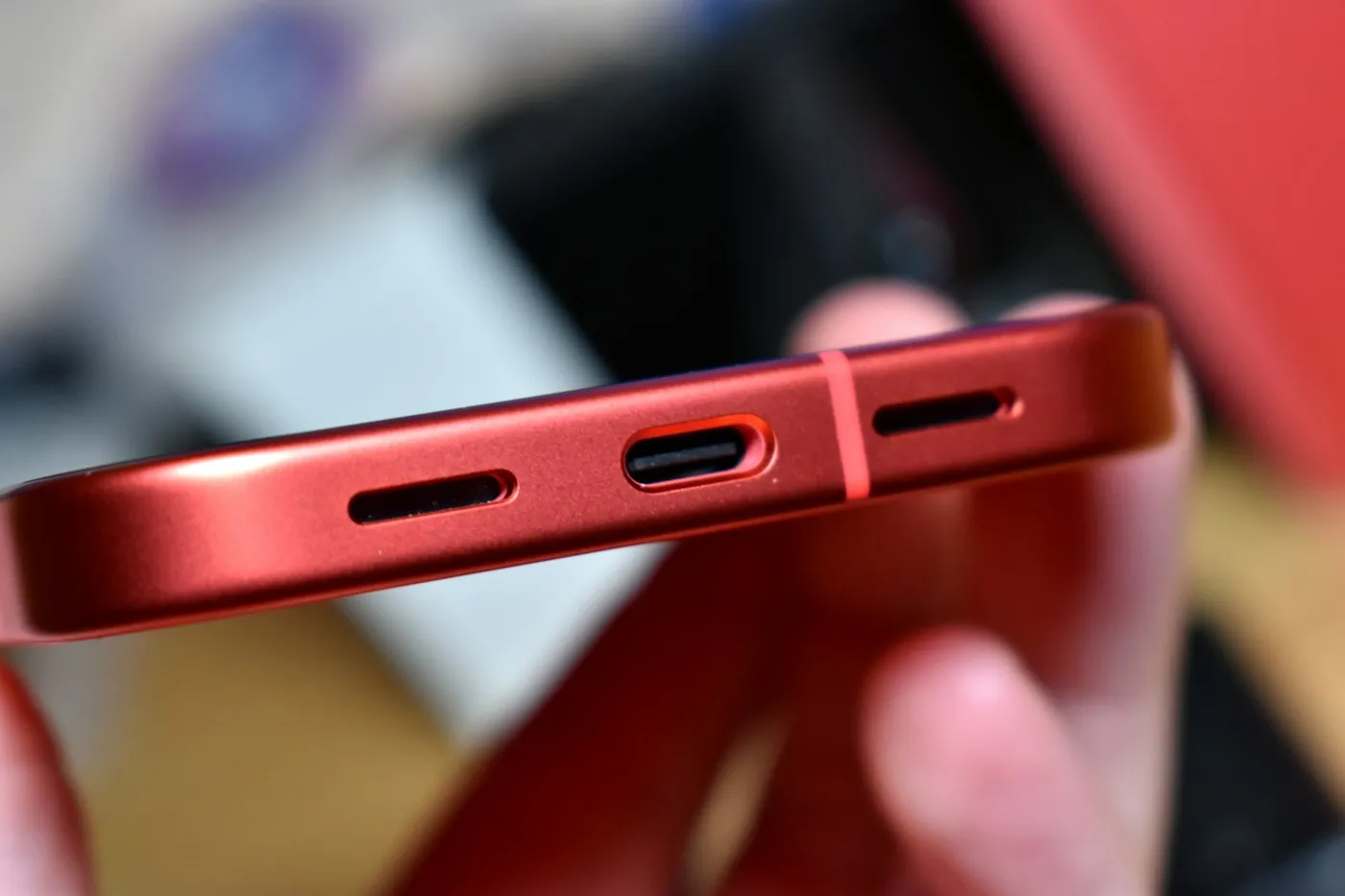
Fast charging explained in plain English: how watts, USB-C Power Delivery, PPS and Qi2 work, which cable you need, and which settings protect battery health.
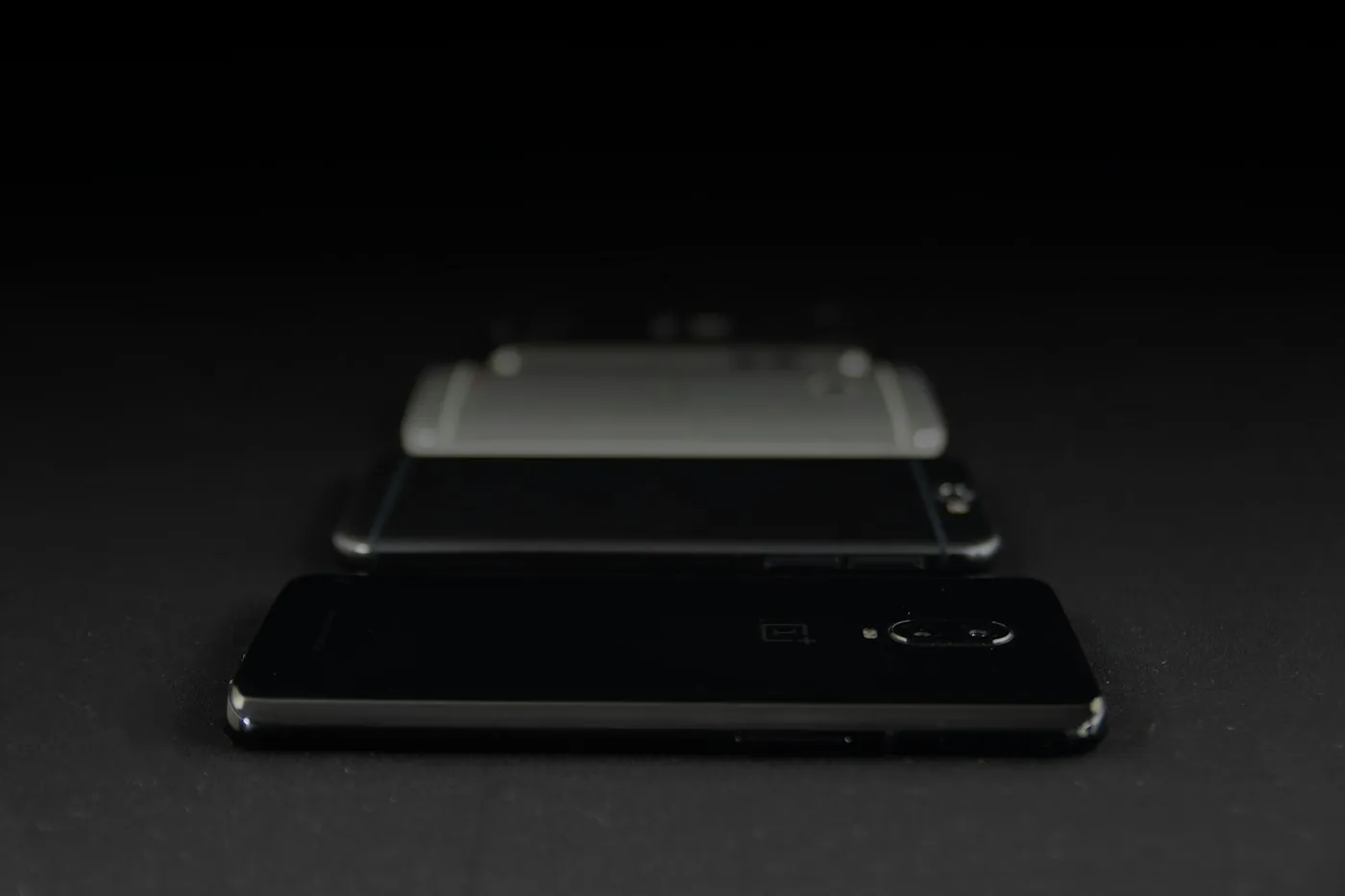
How long will your phone get software updates? Compare 2026 update support for Pixel, Galaxy and iPhone, find your end date and learn what to do next.
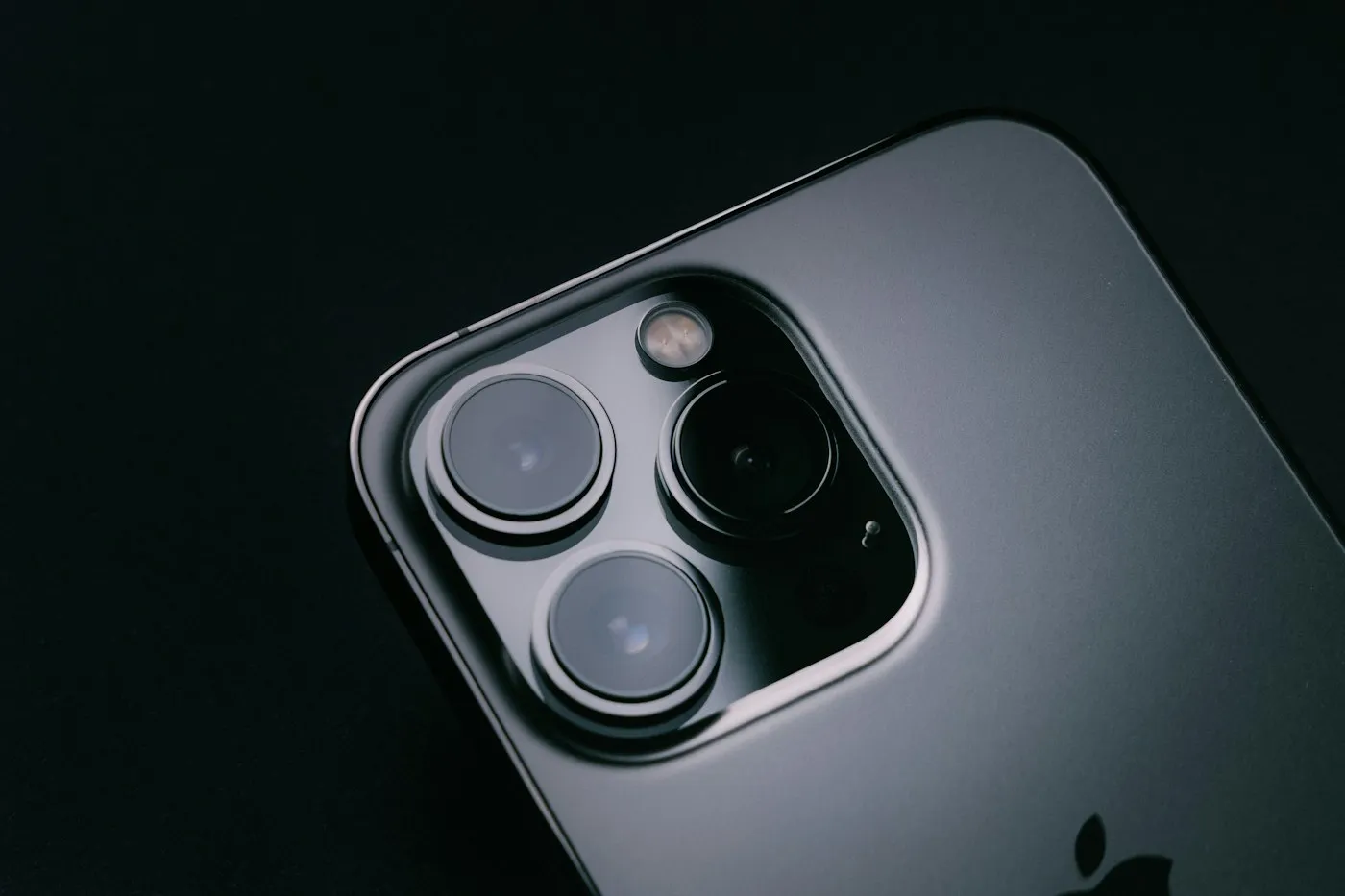
Why smartphone camera megapixels mislead: how sensor size, pixel binning, lenses and processing shape your photos, and what to check before you buy a phone.
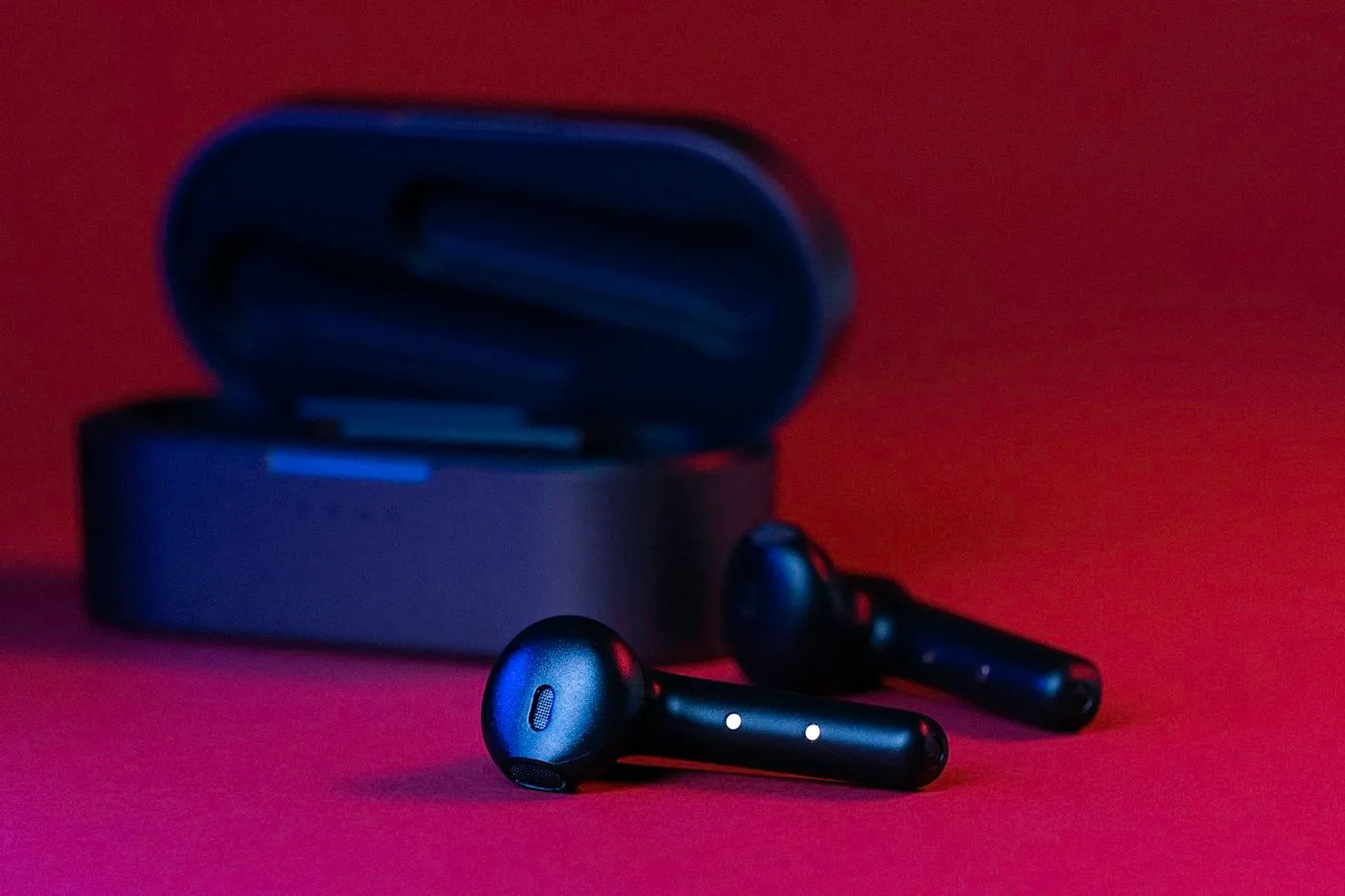
Wireless earbuds buying guide: which Bluetooth codecs your phone supports, how noise cancelling really works, why fit matters, and what IP ratings mean.
Quick answers
Short, plain-English answers to the questions readers ask most about smartphones.
It depends on the maker and the model. Google promises seven years of Android and security updates for the Pixel 8 and later, and Samsung offers seven years on its Galaxy S24 and newer flagships, while many cheaper Android phones get less. Apple does not publish a fixed upgrade schedule, but its UK compliance statements promise at least five years of security updates from a model's first release, and iPhones have often been supported for longer.
Not in normal use. Phones manage charging themselves, drawing the most power when the battery is low and slowing down as it fills or when it gets warm. Heat is the bigger long-term threat, so avoid charging in a hot car or under a pillow, and turn on your phone's battery-protection or charge-limit setting if you want to slow battery wear.
An eSIM is a SIM built into your phone that you activate digitally, usually through your carrier's app or by scanning a QR code, instead of inserting a physical card. It makes switching carriers or adding a travel plan quicker, and most eSIM phones can store more than one plan. iPhone models sold in the US from the iPhone 14 onward are eSIM-only and have no SIM tray.
Explore more
Contact RedAndWhiteMagz.com
Spotted a new gadget, a scam making the rounds or a mistake in one of our guides? Tell us. We read every message and reply as quickly as we can.
