

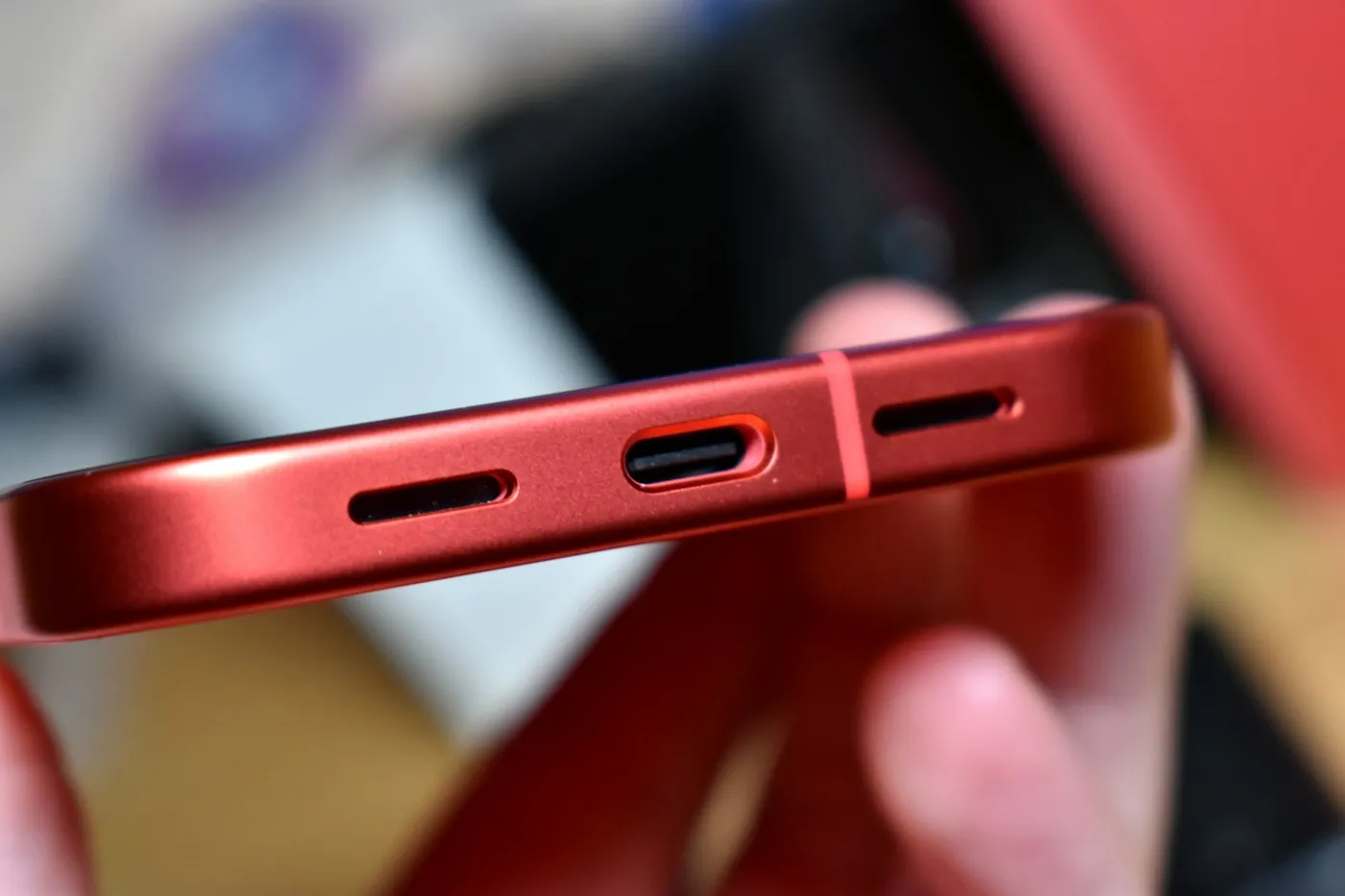
Fast charging explained: watts, USB-C PD and battery health
Fast charging explained in plain English: how watts, USB-C Power Delivery, PPS and Qi2 work, which cable you need, and which settings protect battery health.
Smartphones · Buying guide
Budget smartphone buying guide for 2026: the features worth keeping, like long software support and a good main camera, and the extras you can safely skip.
Key takeaways
The best budget smartphone keeps the things you notice every day for years: long software support, a battery that lasts all day, a good main camera and enough storage. It saves money on extras such as zoom lenses, wireless charging, premium materials and the fastest chip. Here is how to tell the two apart when you shop.
In this guide, a budget phone is anything up to about $500. Features that used to be flagship-only, such as 5G, smooth high-refresh-rate screens and multi-year update promises, now show up well below that price. What changes as you spend more is mostly polish, durability and camera versatility.
| Price range | What you can typically expect | Common compromises |
|---|---|---|
| Under $200 | 5G, a large battery, a 90 Hz screen and one decent main camera | Slower chip, 4 GB of RAM, basic splash resistance, filler cameras, no charger in the box |
| $200 to $400 | Faster chip, brighter screen, more RAM and a sturdier build | Weak ultrawide camera, slower charging, little or no wireless charging |
| $400 to $500 | Near-flagship main camera, IP68 water resistance, the longest update promises | No dedicated zoom lens, an older chip generation, fewer premium materials |
Two current phones show the spread. Samsung’s Galaxy A17 5G launched in the US at $199.99 with a 90 Hz AMOLED screen, IP54 dust and splash resistance and 4 GB of RAM, and its 25 W charger is sold separately. Google’s Pixel 10a launched at $499 with IP68 water and dust protection and seven years of updates. Apple’s most affordable current iPhone, the iPhone 17e, sits above this range: it launched at $599 with 256 GB of storage as standard, and Apple’s US store now lists it from $699.
Updates keep your phone safe, and they keep banking, payment and messaging apps working. A phone that stops getting security patches after two or three years is a false saving, even if it costs less up front.
Support promises vary widely, even among big brands:
Some low-cost brands promise much less or publish no policy at all. Two rules keep you safe:
Our guide to phone software update support explains how to find a model’s end date.
Battery life is often a budget phone’s strongest point. Many cheaper Android phones use a battery of about 5,000 mAh, including the Galaxy A17 5G. Capacity is only part of the story, though, because the screen, chip and software all affect runtime, so read independent battery tests instead of trusting the claim on the box.
Charging speed matters less than you might think. Samsung says the A17 5G can recharge up to 50% in 30 minutes with its 25 W charger, which is plenty for most people. Check whether a charger is included; if it isn’t, a USB-C charger you already own will usually work, just possibly more slowly. Our fast charging explainer covers the standards.
Your main camera takes most of your photos, so judge the phone by that one. Look for optical image stabilization (OIS), which steadies the lens for sharper low-light shots and smoother video. The A17 5G’s 50 MP main camera has it.
Then ignore the camera count. Budget phones often pad the back with low-resolution extras: the A17 5G pairs its main camera with a 5 MP ultrawide and a 2 MP macro camera. A 2 MP macro lens adds a line to the spec sheet, not quality to your photos. A big megapixel number on its own says little, too; our explainer on smartphone camera megapixels shows what matters more.
These are the features that push prices up fastest, and the ones most people can live without:
A discounted or refurbished flagship can beat a new budget phone on camera, screen and speed. Before you buy one, check three things:
If an older flagship has less than about five years of support left, a new budget phone with a longer promise is usually the better buy. Whichever you choose, move your photos and messages safely with our guide on how to back up your phone and computer.
Spend your money on the things that decide how long a phone stays pleasant to use: five or more years of updates, all-day battery life, a stabilized main camera and at least 128 GB of storage. Save on zoom lenses, wireless charging, glass-and-metal builds and flagship chips. Browse more phone advice in Smartphones, or find more plain-English guides on RedAndWhiteMagz.com.
In this guide, a budget phone is one that costs up to about $500. At the low end, Samsung's Galaxy A17 5G launched in the US at $199.99, while Google's Pixel 10a launched at $499 with stronger water resistance and a seven-year update promise. Prices change with sales and carrier deals, so compare support length and specs, not just the sticker price.
Aim for at least five years of security updates left on the day you buy. Google promises seven years for the Pixel 10a, and Samsung promises six years of security updates and six Android upgrades for the Galaxy A17 5G. Some low-cost brands promise far less, so read the maker's written policy before you buy.
It handles calls, messaging, maps and social apps, but the phone will reload apps more often when you switch between them. If you keep many apps open or play games, 6 GB or 8 GB feels smoother. Treat RAM as a tiebreaker after software support, battery and the main camera.
It can be a great deal, because older flagships often have better cameras and screens. Check how many years of updates are left, since support is counted from the original launch date. If the phone is refurbished or used, also check the battery health and the seller's warranty.
First published . Spotted an error? Read our editorial policy and tell us.
Fast charging explained in plain English: how watts, USB-C Power Delivery, PPS and Qi2 work, which cable you need, and which settings protect battery health.
How long will your phone get software updates? Compare 2026 update support for Pixel, Galaxy and iPhone, find your end date and learn what to do next.
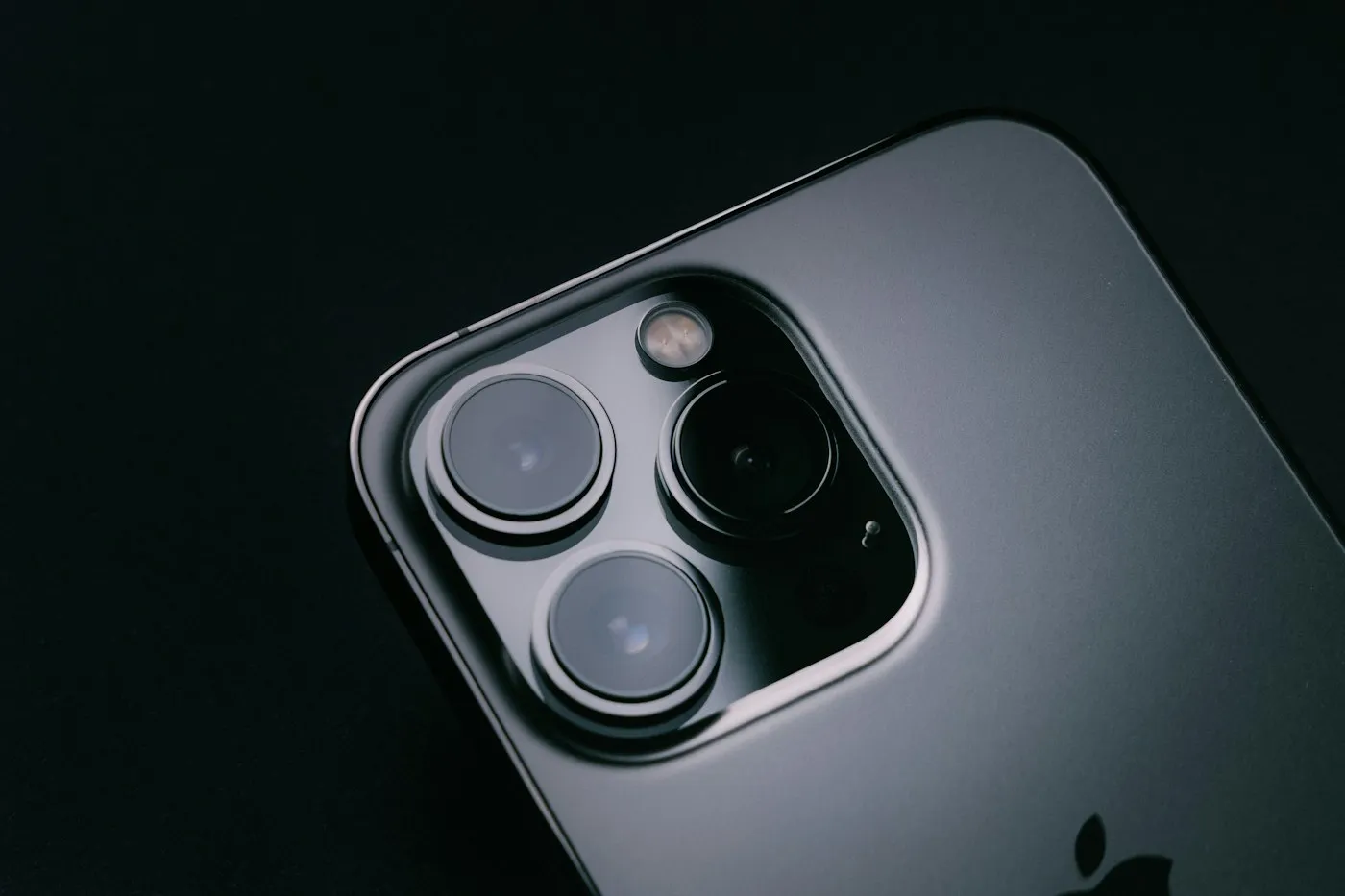
Why smartphone camera megapixels mislead: how sensor size, pixel binning, lenses and processing shape your photos, and what to check before you buy a phone.
Contact RedAndWhiteMagz.com
Spotted a new gadget, a scam making the rounds or a mistake in one of our guides? Tell us. We read every message and reply as quickly as we can.
