


How to spot AI-generated images and deepfakes
How to spot AI-generated images and deepfakes: check context, run a reverse image search, look for Content Credentials and watermarks, and know detector limits.
AI & Software · Explainer
On-device AI vs cloud AI, explained: what runs on your phone or laptop, what goes to servers, and how it affects privacy, speed, offline use and battery.

Key takeaways
On-device AI runs on the chip inside your phone or laptop, so your data can stay put and features keep working without a connection. Cloud AI sends your request over the internet to a company’s data centers, where much bigger models do the thinking. As of 2026, most phones and PCs use both, and which one handles a task affects your privacy, speed, battery life and sometimes what you pay.
On-device AI (also called local AI) means the AI model itself is stored on your device and runs on its own hardware. The math usually happens on the NPU, the part of a modern processor built for AI work. Our NPU explainer covers the chip side. Typical jobs include live captions, background blur on video calls, proofreading and scam-call warnings.
Cloud AI means your prompt, photo or file travels to servers run by the provider, gets processed there, and the answer comes back. Big chatbots such as ChatGPT, Gemini and Claude work this way, which is why they stop answering the moment you lose signal. The app on your phone is mostly a window onto those servers.
| On-device AI | Cloud AI | |
|---|---|---|
| Where the model runs | Your phone or laptop’s processor | The provider’s data center |
| Model size | Small, trimmed to fit your device | Far larger |
| Works offline | Yes, once the model is downloaded | No |
| Where your data goes | Usually stays on the device | Sent to the provider’s servers |
| Speed | No network wait for quick tasks | Depends on your connection and server load |
| Battery | Your device does the work, efficiently on an NPU | Heavy lifting happens elsewhere |
| Cost | Comes with the hardware | Free with limits, or a paid plan |
| Best for | Quick, private, real-time tasks | Complex questions, long documents, image generation, web lookups |
A phone has a fraction of the memory and power of a data center, so local models have to be compact. In 2025, Apple described its on-device model as having about 3 billion parameters, alongside a larger server-based model for Private Cloud Compute. Most companies don’t publish the size of their biggest cloud models, but those models run on racks of server hardware, not a battery.
Small models are good at focused jobs: summarizing, rewriting, transcribing and spotting patterns. They’re weaker at broad general knowledge, long chains of reasoning and anything that needs fresh information from the web.
To run AI locally, a device needs three things:
Local processing is the simplest privacy protection there is: data that never leaves your device can’t be stored or reviewed on someone else’s server. Google says that for tasks such as note summarization and smart replies handled by Android AICore, personal data “is never sent to the cloud or shared over the internet.” Microsoft says snapshots taken by Recall, the opt-in search-your-screen-history feature on Copilot+ PCs, are stored and analyzed locally, encrypted, and never sent to Microsoft.
Two caveats. Local data is only as safe as the device itself, which is why Recall demands a Windows Hello face or fingerprint sign-in. And an app can run a model locally yet still upload other data. For cloud chatbots, what happens to your chats depends on the provider and your choices; our guide to AI chatbot privacy settings shows where to look.
Local AI skips the round trip to a data center; Google says local processing “removes the lag associated with cloud-based services.” That matters for real-time jobs such as captioning speech as it happens, flagging a scam during a live call or adding effects to a video feed. For long, complex answers, cloud servers can still come out ahead because they have vastly more computing power, as long as your connection is decent.
On-device features keep working on a plane or in a subway tunnel. Microsoft says Live Captions on Copilot+ PCs can translate audio into English even offline, and Google says AICore features such as text summarization work with no network at all. Cloud features simply stop: Samsung notes that Circle to Search and Generative edit both need an internet connection.
AI math costs power wherever it runs. Microsoft’s Phi Silica documentation describes the NPU as power-efficient and suitable for battery use, while running the same model on a graphics chip draws more power and may affect laptop battery life. Cloud AI moves that math to the data center, so your device mainly spends energy on the screen and the connection. The drain you’re most likely to notice is heavy local AI running on a GPU rather than an NPU.
In practice, you rarely have to choose. The device handles what it can and sends the rest to the cloud, sometimes with extra privacy protections.
Apple Intelligence first checks whether a request can be handled on the device. If it needs a bigger model, it goes to Private Cloud Compute (PCC), Apple’s private AI server system. Apple says data sent to PCC is used only to fulfill the request, isn’t kept afterward, and isn’t accessible even to Apple staff with administrative access, and it publishes PCC software so outside researchers can check those claims.
In June 2026, Apple said it would extend PCC to Google Cloud, using NVIDIA GPUs, for its most demanding tasks, with the same core privacy requirements. Siri AI, which began rolling out in beta in English in September, runs on the device and on PCC, using new Apple models built in collaboration with Google and its Gemini models. Apple also says some server-based features, including Siri AI and Image Playground, have daily usage limits, and that expanded access will be available for a fee in the future.
Copilot+ PCs need an NPU rated at 40 TOPS or more, and Microsoft says their exclusive features are powered by the NPU and run locally. That includes Recall, translated Live Captions and extra Windows Studio Effects for video calls, a few of them only on Snapdragon models. Some features are hybrid: Cocreator in Paint and Restyle Image in Photos need a Microsoft account and an internet connection to reach cloud services Microsoft uses for responsible-AI checks. Microsoft also plans to swap Phi Silica, the small language model apps can use on Copilot+ PCs, for a new on-device model, Aion Instruct, in November 2026.
Gemini Nano is Google’s on-device model, run through the Android AICore system service on Android 14 or later, with availability varying by phone maker. It powers features such as proofreading, smart replies, speech recognition and Recorder summaries. Pixel’s Scam Detection, powered by Gemini Nano on newer models, processes calls entirely on the phone, and Google says no audio or transcript is stored or sent to its servers.
Samsung says most translations and Gallery edit suggestions run on the device, while features such as auto summarizing, auto formatting and image editing use the cloud. It also offers a master switch: go to Settings > Galaxy AI and turn on Process data only on device. Expect some features to stop working when you do.
On-device AI trades raw power for privacy, instant response and offline reliability, while cloud AI trades some of your data and a connection for far bigger models. Most phones and laptops in 2026 blend the two, so the practical move is to learn which features stay local, check the privacy settings for the ones that don’t, and buy enough memory for the AI features you care about. For more plain-English AI explainers, see our AI section or head to RedAndWhiteMagz.com.
ChatGPT is cloud AI. The app sends your messages to OpenAI's servers, which is why it needs an internet connection. On iPhone, Apple Intelligence can hand requests to ChatGPT through an optional extension; by default Siri asks before sending anything, and Apple says your IP address is hidden from OpenAI.
The AI processing itself doesn't need a connection. The models, however, are downloaded and updated over the internet, and those downloads can run to several gigabytes. Google's Chrome, for example, asks for an unmetered connection for its first Gemini Nano download.
Usually not the advanced ones, because they need a recent chip and plenty of memory. As of 2026, Apple Intelligence requires an iPhone 15 Pro or newer, and Android's on-device AI service needs Android 14 or later, with availability varying by phone maker and model.
Yes. Some apps let you download openly available AI models and run them offline. You'll want plenty of RAM and ideally a strong graphics chip, and these local models are generally less capable than the biggest cloud chatbots.
First published . Spotted an error? Read our editorial policy and tell us.
How to spot AI-generated images and deepfakes: check context, run a reverse image search, look for Content Credentials and watermarks, and know detector limits.
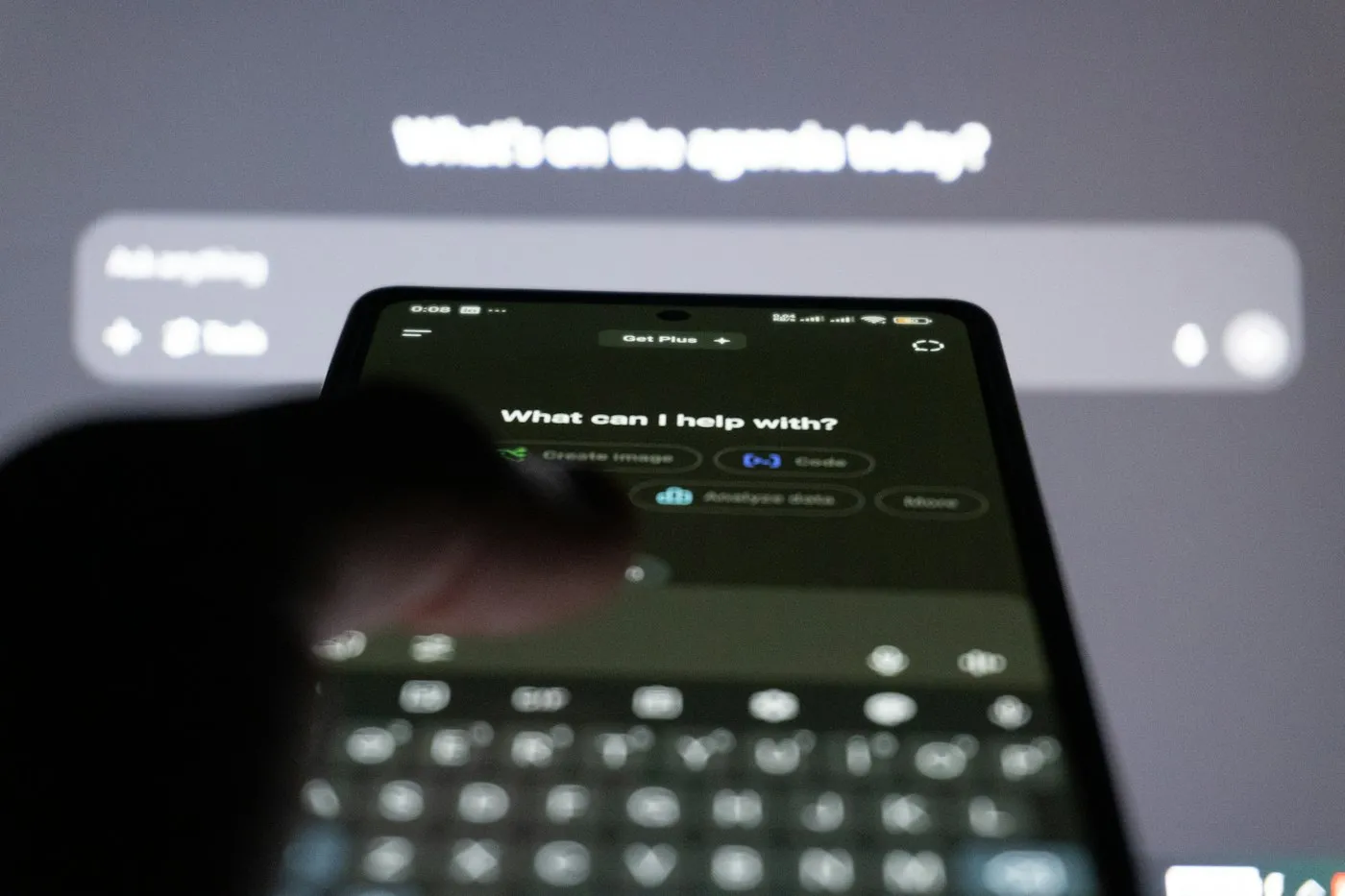
The AI chatbot privacy settings that matter in ChatGPT, Gemini, Copilot and Claude: training opt-outs, temporary chats, memory and deleting your history.

Learn how to write better AI prompts for ChatGPT, Gemini, Copilot and Claude with a simple formula, before-and-after examples and tips for checking answers.
Contact RedAndWhiteMagz.com
Spotted a new gadget, a scam making the rounds or a mistake in one of our guides? Tell us. We read every message and reply as quickly as we can.
