

How to back up your phone and computer with the 3-2-1 rule
Learn the 3-2-1 backup rule and how to back up your iPhone, Android phone, Windows PC and Mac, so a lost device or dead drive never takes your files.
Cybersecurity · Comparison
Two-factor authentication methods compared: how SMS codes, authenticator apps, push prompts, passkeys and security keys work, and which to use where.
Key takeaways
Two-factor authentication (2FA) asks for a second proof after your password, so a stolen password on its own isn’t enough to get in. The methods aren’t equal: text-message codes are the weakest common option, authenticator apps and push prompts are a solid step up, and passkeys and hardware security keys are the phishing-resistant choices most people can actually use. Here’s how each one works, where it falls short, and which to pick for which accounts.
Sign-in factors fall into three groups: something you know (a password or PIN), something you have (a phone or security key) and something you are (a fingerprint or face). 2FA combines two of them. You’ll also see it called two-step verification or multifactor authentication (MFA), and for everyday purposes they mean much the same thing. If any term here is new, our tech glossary has quick definitions.
CISA, the U.S. Cybersecurity and Infrastructure Security Agency, puts it simply on its MFA page: “any MFA is better than no MFA,” but some types protect you far better than others. Its phishing-resistant MFA fact sheet ranks the options from strongest to weakest, and this table follows roughly the same order.
| Method | How it works | Phishing-resistant? | Main weak spots | Good for |
|---|---|---|---|---|
| Hardware security key | Plug in over USB and touch the key, or tap it on your phone over NFC | Yes | Can be lost, so you need a spare | Email, password manager, high-risk accounts |
| Passkey | Unlock your phone or computer with face, fingerprint or PIN | Yes | Your device lock and account recovery | Any account that offers one |
| Push prompt with number matching | Tap the number shown on the sign-in screen | No | Fake sites and tricked approvals | Accounts whose app offers it |
| Authenticator app code | Type a six-digit code that changes about every 30 seconds | No | Fake sites that relay your code | Most accounts without passkeys |
| Push prompt without number matching | Tap Approve on a notification | No | Push bombing and accidental approvals | Better than SMS, but upgrade if you can |
| SMS or voice code | Type a code sent to your phone number | No | SIM swaps, interception, fake sites | Last resort |
| Email code | Type a code sent to your inbox | No | Anyone who gets into your email | Last resort |
Text-message codes are still the most familiar form of 2FA, and they do stop attackers who only have your password. But CISA’s fact sheet lists three problems. Codes can be phished on a fake login page, intercepted through weaknesses in SS7, the signaling system phone networks use, or redirected in a SIM swap, where a criminal convinces your carrier to move your number to their SIM card. CISA says SMS and voice codes should be used only as a last resort, and NIST’s SP 800-63B treats codes sent over the phone network as a “restricted” method.
Email codes are no better. NIST says email shall not be used for this kind of out-of-band check, partly because an inbox may be protected by nothing more than a password.
If SMS is the only option a site offers, use it, then make your number harder to hijack. CISA’s mobile communications guidance recommends adding a PIN or passcode to your mobile carrier account, which the carrier then requires before sensitive changes such as porting your number.
An authenticator app, such as Google Authenticator or Microsoft Authenticator, shares a secret with a website when you scan a QR code during setup. After that, the app produces a fresh six-digit code about every 30 seconds. Because the code comes from the app rather than your phone number, SIM swaps and SS7 interception don’t apply, and Google notes that its app can generate codes without an internet connection or mobile service.
The catch is phishing. A fake login page can ask for your code and pass it to the real site within seconds, which is why NIST says codes you type in by hand shall not be considered phishing-resistant. Plan for a lost phone, too. Google Authenticator can sync your codes through your Google Account, and Apple’s Passwords app can store verification codes that follow you to a new device.
Some services send a notification instead: you tap Approve and you’re in. Attackers abuse this with push bombing, also called push fatigue, flooding you with prompts until you approve one just to make them stop. Number matching blocks that trick by asking you to tap or type the number shown on the sign-in screen. If someone else is signing in, you never see that screen, so you can’t approve the request by accident. Microsoft Authenticator may ask you to do exactly that. One rule covers every push method: if you didn’t just try to sign in, deny the request.
CISA says the only widely available phishing-resistant authentication is FIDO/WebAuthn, the technology behind both passkeys and security keys. The sign-in is cryptographically tied to the real website, so a lookalike site gets nothing it can reuse. Google’s 2-Step Verification help says passkeys and hardware security keys protect your account from phishing attacks, while codes sent by text or call can be vulnerable to phone number-based hacks.
A passkey lets you sign in by unlocking your phone or computer, and it often replaces both the password and the second step at once. Most consumer passkeys sync through your Apple, Google or Microsoft account or a password manager, so a new phone doesn’t mean starting over. Password or SMS fallbacks can remain on the account, though, and those stay a weak point. Our passkeys explainer covers setup step by step.
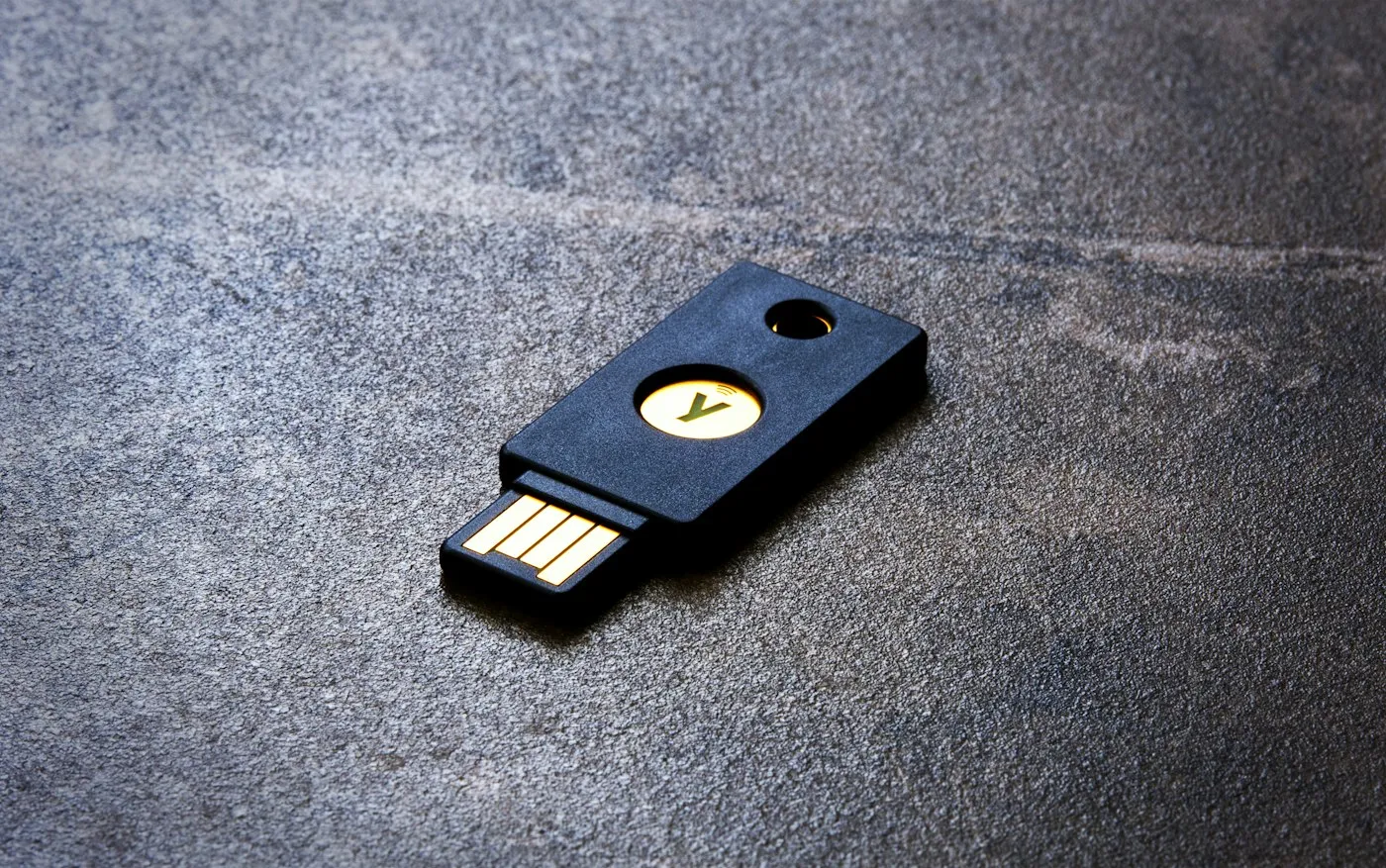
A security key is a small USB or NFC device that holds device-bound passkeys, which never leave the key. The FIDO Alliance says device-bound passkeys on modern hardware security keys offer the highest security assurance, and CISA’s mobile guidance calls hardware FIDO keys the most effective option, with passkeys an acceptable alternative.
Keys take some planning:
People at higher risk, such as journalists, activists or public officials, can go further with Google’s Advanced Protection Program, which requires a passkey or security key to sign in.
Your 2FA setup is only as strong as its weakest way in. A few habits help:
Use the strongest method each account offers, then match the effort to what’s at stake:
A password manager makes this easier, since many store passkeys and some can hold verification codes. Our guide to password managers explains how they work, and our guide to spotting phishing covers the scams that go after your codes.
Any 2FA beats none, but not all 2FA is equal. Text and email codes are a last resort, authenticator apps and number-matching prompts are a solid middle ground, and passkeys and security keys are the phishing-resistant options worth moving your most important accounts to. Once they’re working, remove the weak fallbacks you no longer need and keep your backup codes somewhere safe.
For more plain-English security guides, visit RedAndWhiteMagz.com or browse our cybersecurity coverage.
Yes. Even a strong, unique password can be exposed in a data breach or typed into a fake login page. Two-factor authentication means a stolen password alone isn't enough to get into your account.
Sign in with a backup code or another method you set up earlier, such as a passkey or security key. If your codes were synced, for example through Google Authenticator's Google Account backup or Apple's Passwords app, they return when you sign in on a new phone. Afterward, remove the old phone from your account's security settings.
The weaker kinds can. Criminals use fake sites that relay codes in real time, SIM swaps that hijack your phone number, and floods of push prompts hoping you'll tap Approve. Passkeys and security keys resist those tricks, though attackers may still target your account recovery options instead.
For most people, no. Synced passkeys are phishing-resistant and easier to recover if you lose a device. Security keys make the most sense for people at higher risk, or for anyone who wants device-bound protection on their most important accounts, and you should register at least two.
First published . Spotted an error? Read our editorial policy and tell us.
Learn the 3-2-1 backup rule and how to back up your iPhone, Android phone, Windows PC and Mac, so a lost device or dead drive never takes your files.
How to spot phishing in emails, texts, calls and QR codes, including AI voice-clone scams, plus a step-by-step plan for what to do if you clicked.
Passkeys explained: how they work, why they're phishing-resistant, where they're stored, and how to set them up on your Apple, Google and Microsoft accounts.
Contact RedAndWhiteMagz.com
Spotted a new gadget, a scam making the rounds or a mistake in one of our guides? Tell us. We read every message and reply as quickly as we can.
